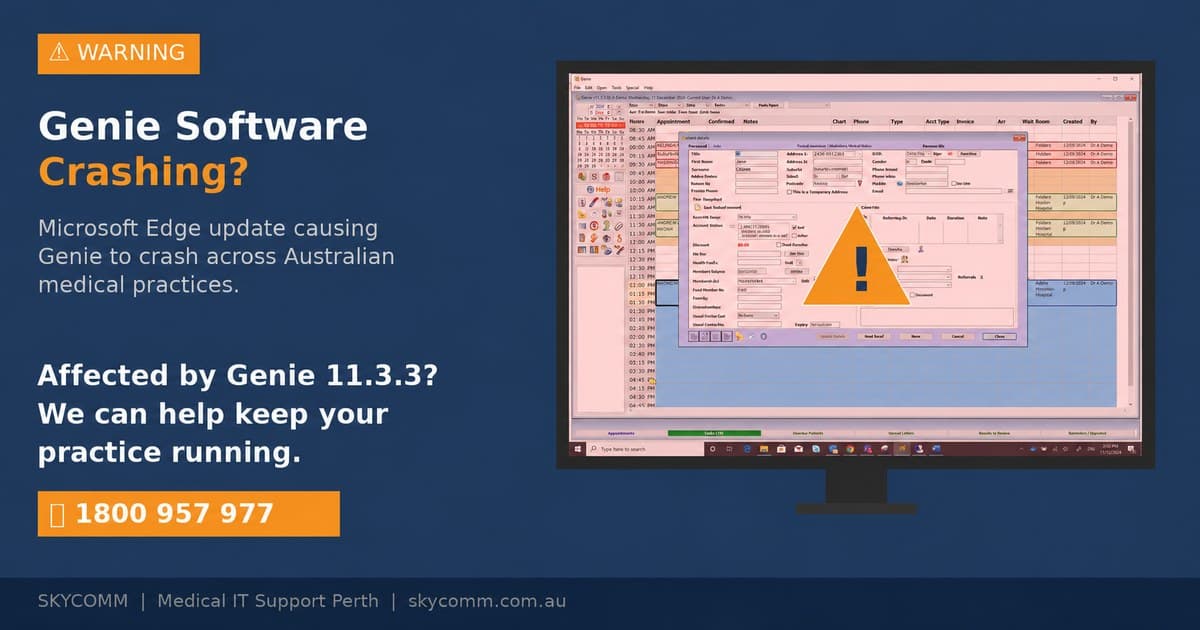
A recent Microsoft Edge update is causing Genie Solutions (Magentus) to crash in medical practices across Australia. Here's what's happening, the WebView2 registry fix, and how to protect your practice.
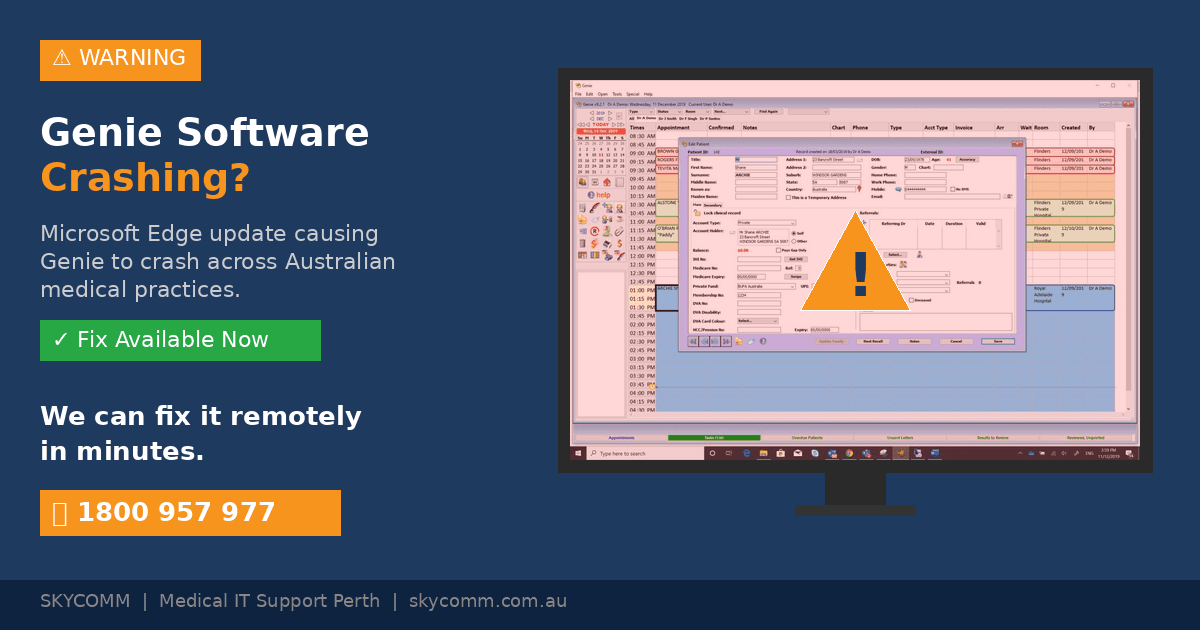
# Microsoft Edge Update Causing Genie Software Crashes — Here's the Fix
If your specialist practice runs Genie (now Magentus) and you've been experiencing crashes, freezes, or the software becoming unresponsive — a recent Microsoft Edge update is likely the cause.
The issue is linked to Microsoft's Edge WebView2 component, which updated automatically in the background and created a conflict with Genie's interface. Here's what's happening, how to fix it, and what your practice should do going forward.
What's Happening?
Microsoft Edge updates automatically on Windows PCs, and with it, the WebView2 Runtime — a component that many desktop applications (including Genie) rely on to display web-based content within the application.
A recent Edge update introduced changes to WebView2 that have caused compatibility issues with Genie Solutions. Affected practices are reporting:
- Genie crashing unexpectedly during use
- The application freezing or becoming unresponsive
- Errors when loading certain screens within Genie
The Fix: A Registry Change
Magentus is aware of the issue and a fix has been identified. A specific Windows Registry change resolves the WebView2 conflict and restores Genie to normal operation.
For IT Professionals
The fix involves modifying a registry key related to the Edge WebView2 Runtime configuration. If you're managing Genie environments, contact Magentus support for the specific registry path and values, or reach out to SkyComm — we've already applied this fix across our managed Genie client sites.
💡
⚠️ Important: Editing the Windows Registry incorrectly can cause serious system problems. We strongly recommend having a qualified IT professional apply this fix rather than attempting it yourself.
What Your Practice Should Do
If You're Experiencing Crashes Now:
- Contact your IT provider — let them know Genie is crashing and that it's related to the Edge WebView2 update. The fix is a registry change.
- Don't panic — your patient data is safe. This is a display/interface issue, not a data corruption problem.
- Save work frequently — until the fix is applied, save your work regularly to avoid losing unsaved changes during a crash.
If You're Not Yet Affected:
- Be aware — the Edge update rolls out progressively, so your machines may not have received it yet.
- Talk to your IT provider — a proactive IT team will already be monitoring for this and can apply the fix before it impacts your practice.
Why This Keeps Happening
This situation highlights a persistent challenge for medical practices: automatic software updates can break critical clinical applications.
Microsoft Edge updates happen silently in the background. Unlike Windows updates, which can be paused or delayed, Edge updates are harder to control and can catch practices off guard.
For practices running specialised medical software like Genie, Best Practice, or Medical Director, this is exactly why having a managed IT provider matters:
- Proactive monitoring — we detect issues across our client base quickly and respond before individual practices even notice
- Rapid response — when something breaks, we fix it across all affected workstations, not just one at a time
- Vendor coordination — we work directly with Magentus, Best Practice, and other vendors to stay ahead of known issues
- Update management — we control when and how updates are deployed to your clinical systems
SkyComm Is Here to Help
We're actively assisting practices affected by this issue. If your Genie software is crashing and you need help, our team can apply the registry fix remotely — usually within minutes.
As a certified Magentus adviser, SkyComm has deep expertise in Genie installations, migrations, and troubleshooting across Western Australia.
📞 Call us: 1800 957 977
✉️ Email: admin@skycomm.com.au
🌐 Visit: skycomm.com.au/contact-us
Frequently Asked Questions
Is my patient data at risk from this issue?
No. This is a display and interface issue caused by a WebView2 compatibility conflict. Your Genie database and patient records are not affected. However, unsaved work at the time of a crash may be lost, so save frequently until the fix is applied.
Can I fix this myself?
The fix requires editing the Windows Registry, which can cause system problems if done incorrectly. We recommend having your IT provider apply the fix. If you don't have an IT provider, contact SkyComm and we can assist remotely.
Will Magentus release a software update to fix this?
Magentus is aware of the issue. In the meantime, the registry fix resolves the problem immediately. We'll update this article when Magentus releases an official patch.
Does this affect Best Practice or Medical Director?
This specific issue is related to Genie's interaction with Edge WebView2. However, automatic Edge updates can potentially affect any application that uses WebView2 components. If you're experiencing issues with other medical software after a recent update, contact us for assistance.
---
This article is based on SkyComm's direct experience managing Genie environments across Perth medical practices. We are actively monitoring and resolving this issue for our managed clients.
---
Related Reading
SkyComm IT Solutions
Perth's leading medical and business IT support provider. Trusted by healthcare practices, law firms, and businesses across Western Australia for over 20 years.