
Genie 11.3.3 has been pulled by Magentus after crash reports and the installer is no longer available. Known issues, workarounds, and what Perth medical practices should do now.
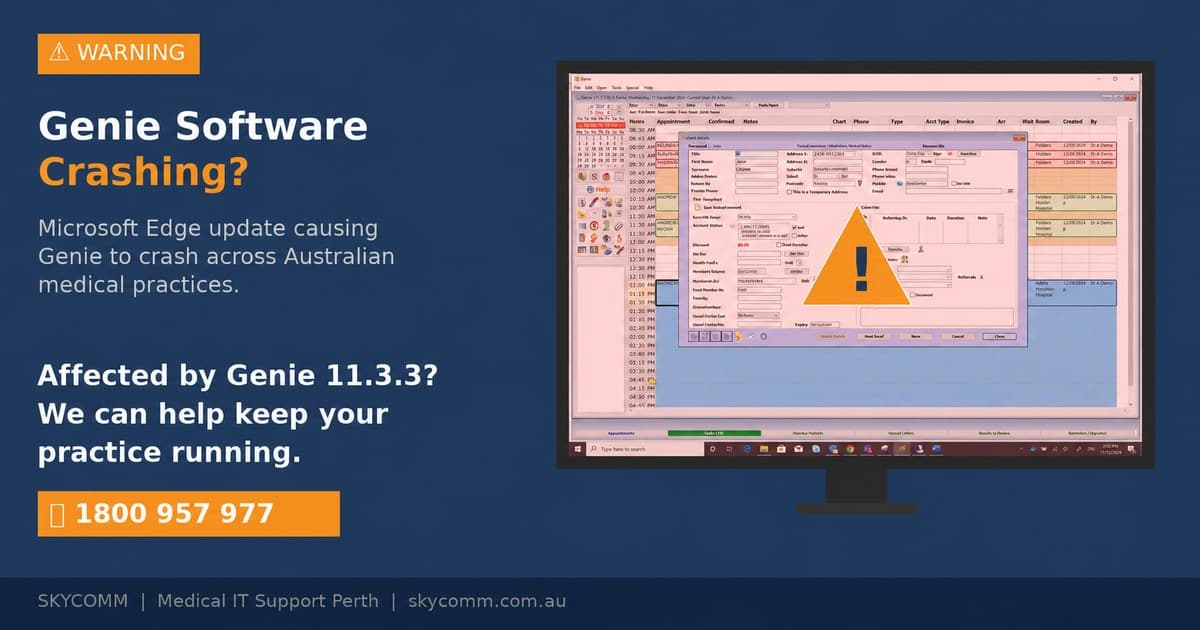
# Genie 11.3.3 Pulled After Crash Reports — What Perth Practices Need to Know
If your practice updated to Genie 11.3.3 after its 23 June 2026 release and you're now dealing with crashes, freezes, or instability — you're not imagining it, and you're not alone.
Magentus has pulled Genie 11.3.3. The installer is no longer available for download, and the vendor has confirmed an issue affecting the release.
Here's what's actually happening, what the known issues are, and what your practice should do right now.
What Magentus has confirmed
The official notice now sits at the top of the Genie 11.3.3 release notes:
💡
⚠️ "We've identified an issue affecting Genie 11.3.3, and as a direct result this release is temporarily unavailable. This is our top priority — our Genie team is actively investigating and testing fixes. If your practice experiences any issues with Genie 11.3.3, please Submit a Request as this will greatly assist our investigation."
The original "Genie 11.3.3 is now available for download!" announcement is struck through on the page.
On the official Downloads page, the 11.3.3 row now reads:
💡
"11.3.3 is not available for download. If an installer is required, please contact Genie Support."
Magentus hasn't said publicly which specific issue triggered the pull — only that one exists and it's serious enough to halt distribution.
Why this hit so many practices at once
The timing made this worse than a normal buggy release.
Genie 11.3.3 contained the ECLIPSE and Bulk Bill workflow changes required for the 1 July 2026 Assignment of Benefit (AoB) legislation. Practices were strongly urged to update before the deadline, because health funds can start rejecting ECLIPSE No Gap and Known Gap claims that don't indicate whether consent is 'implied' or 'requested'.
That forced a large wave of practices to update within the same week. When the release turned out to have problems, a big install base was exposed all at once.
The known issues in 11.3.3
Magentus has published four known issues for this release. Three are macOS-specific — if your crashing machines are Macs, that's the likely culprit:
| Issue | Impact | Workaround | Fix status |
|---|---|---|---|
| --- | --- | --- | --- |
| "Save as PDF…" freezes Genie on macOS 26 Tahoe | Genie freezes when printing via Save as PDF | Use "Open in Preview" from the PDF dropdown, then save via Preview. A third-party PDF printer app also works. | No ETA — requires a third-party partner fix |
| Resizing the Consult window crashes Genie on macOS | Genie Client / Single User crashes, especially when moving the splitter bar | Don't resize the Consult window on affected Macs | Targeted for next release |
| 4D Write Pro ruler tab marks invisible on macOS | Indentation/tab stops don't display; can't be edited on new templates | Existing templates still function | Targeted for next release |
| Updating Genie Registration breaks My Health Record NASH certificates | NASH certificate stops working after Special > Update Genie Registration or File > Register (affects all v10/v11 releases) | Reimport the NASH certificate from backup. My Health Record CSP users are not affected. | No ETA — listed as low-impact |
What your practice should do right now
If you've already updated to 11.3.3 and things are unstable
1. Apply the workarounds above — especially on Macs: don't resize the Consult window, and use "Open in Preview" instead of "Save as PDF".
2. Submit a ticket to Magentus — they've explicitly asked affected practices to log issues to help their investigation.
3. Do not attempt a DIY rollback. Magentus's own guidance is that rolling back requires restoring your last pre-update backup. Done wrong, that risks data loss. If a rollback is genuinely needed, it should happen with your IT provider and a verified backup.
4. Confirm your backups are current and verified before anyone touches anything.
5. If crashes are disrupting clinic flow, our SkyComm Support Team can apply the workarounds and check your Genie environment same-day — no site visit needed for most of these.
If you haven't updated yet
1. Stay on 11.3.2. You can't update even if you want to — the installer is gone. Wait for the fixed re-release.
2. Check your AoB exposure. The Department of Health has allowed a 12-month transition period where verbal consent is permitted for Bulk Bill Assignment of Benefits — so bulk-billing practices have breathing room. The pressure is higher for ECLIPSE No Gap / Known Gap claims, where funds may reject claims without the implied/requested flag after 1 July. If your practice bills heavily through ECLIPSE gap schemes, talk to your IT provider about your specific situation.
3. Don't source the installer from unofficial channels. When a vendor pulls an installer, "copies" floating around are a security risk.
A note on the update guide contradiction
Right now, the Magentus "Updating to the latest Genie version" guide still tells practices to download the 11.3.3 installer — but the Downloads page says it isn't available. The guide simply hasn't caught up. Follow the Downloads page: 11.3.3 is off the table until re-release.
The bigger picture
This is the second Genie stability incident affecting Perth practices in four months — in March it was the Microsoft Edge WebView2 update crashing Genie, now it's a vendor-side release pulled after deployment.
The practical lesson: never treat a Genie update as routine. Every update should be scheduled, backed up, verified, and — where possible — staged rather than rolled out to every workstation at once. The practices that came through this cleanly are the ones whose IT provider checked the release notes, waited for early-adopter feedback, and had a tested rollback position.
Need help?
SkyComm is a Certified Magentus Adviser and supports Genie environments across Perth. We're already working with affected practices on workarounds, Magentus ticket escalation, and update planning for the fixed re-release.
If Genie 11.3.3 is disrupting your practice — or you want your update process properly managed so the next one doesn't — get in touch or call 1800 957 977.
---
Last updated 23 July 2026. We'll update this article when Magentus re-releases 11.3.3 or publishes further guidance.
SkyComm IT Solutions
Perth's leading medical and business IT support provider. Trusted by healthcare practices, law firms, and businesses across Western Australia for over 20 years.