Guide to choosing Microsoft Surface devices for business use in 2026. Surface Pro, Laptop, and Go compared for medical practices and offices.
Why Businesses Choose Microsoft Surface
Microsoft's Surface lineup has become a staple in professional environments — particularly in medical practices, law firms, and corporate offices where portability and reliability matter. The combination of Windows 11 Pro, touchscreen capability, and premium build quality makes Surface devices ideal for business use.
💡
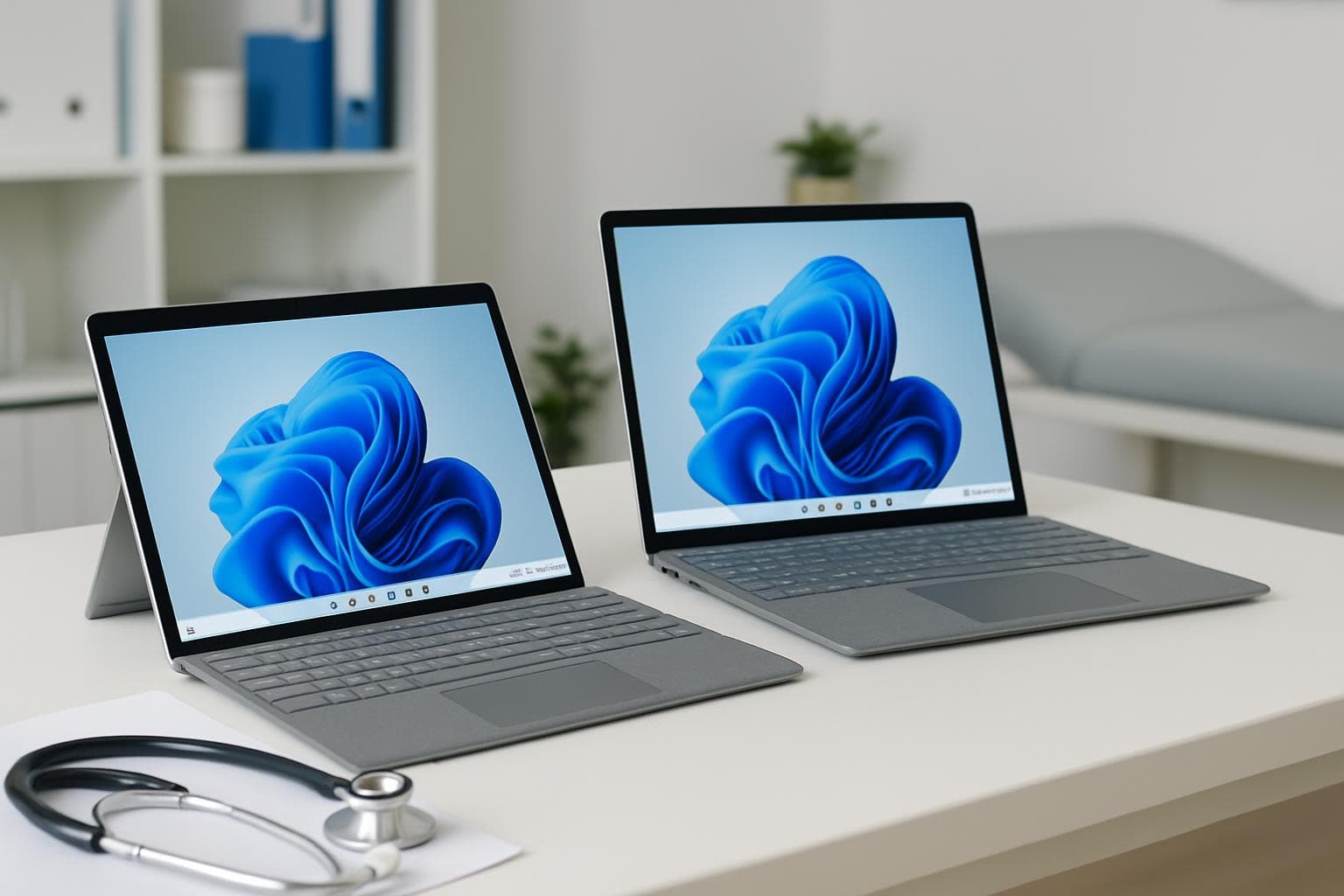
For medical practices, the Surface Pro's tablet mode is perfect for consulting rooms — clinicians can review patient records, annotate documents, and show patients imaging results without being tethered to a desktop.
The 2026 Surface Lineup for Business
Surface Pro (10th/11th Edition)
- Best for: Clinicians, consultants, mobile professionals
- Why: Tablet/laptop flexibility, pen input, lightweight, all-day battery
- Use case: Consulting rooms, site visits, presentations, clinical documentation
Surface Laptop (6th/7th Edition)
- Best for: Office workers, reception staff, general business use
- Why: Traditional laptop form factor, excellent keyboard, strong performance
- Use case: Front desk, administration, accounting, general productivity
Surface Go (4th Edition)
- Best for: Light tasks, point-of-sale, check-in kiosks
- Why: Ultra-portable, affordable, fanless design
- Use case: Patient check-in, inventory scanning, basic admin tasks
Battery and Hardware Tips for Business Users
Battery degradation is the number one hardware complaint we see with Surface devices in business environments. Here's how to maximise lifespan:
- Avoid leaving devices plugged in 24/7 — Surface batteries degrade faster when constantly at 100%. Use the built-in battery limit setting (Settings → System → Battery → Battery limit)
- Keep firmware updated — Microsoft regularly releases firmware updates that improve battery management and thermal performance
- Use the right charger — Third-party chargers can cause charging issues. Stick with Microsoft Surface Connect or approved USB-C chargers
- Monitor battery health — Run
powercfg /batteryreportin Command Prompt to check battery wear level - Replace when capacity drops below 60% — At this point, battery behaviour becomes unpredictable
Enterprise Management with Intune
For businesses managing multiple Surface devices, Microsoft Intune (included in Microsoft 365 Business Premium) provides:
- Remote device configuration and policy enforcement
- Automatic Windows and firmware updates
- Remote wipe for lost or stolen devices
- Application deployment and management
- BitLocker encryption management
How SkyComm Helps
SkyComm supplies, configures, and supports Microsoft Surface devices for businesses across Perth. We handle procurement, Windows 11 Pro setup, Microsoft 365 integration, Intune enrolment, and ongoing hardware support — including battery replacements when needed.
Need Surface devices for your team? Contact SkyComm on 1800 957 977.
SkyComm IT Solutions
Perth's leading medical and business IT support provider. Trusted by healthcare practices, law firms, and businesses across Western Australia for over 20 years.