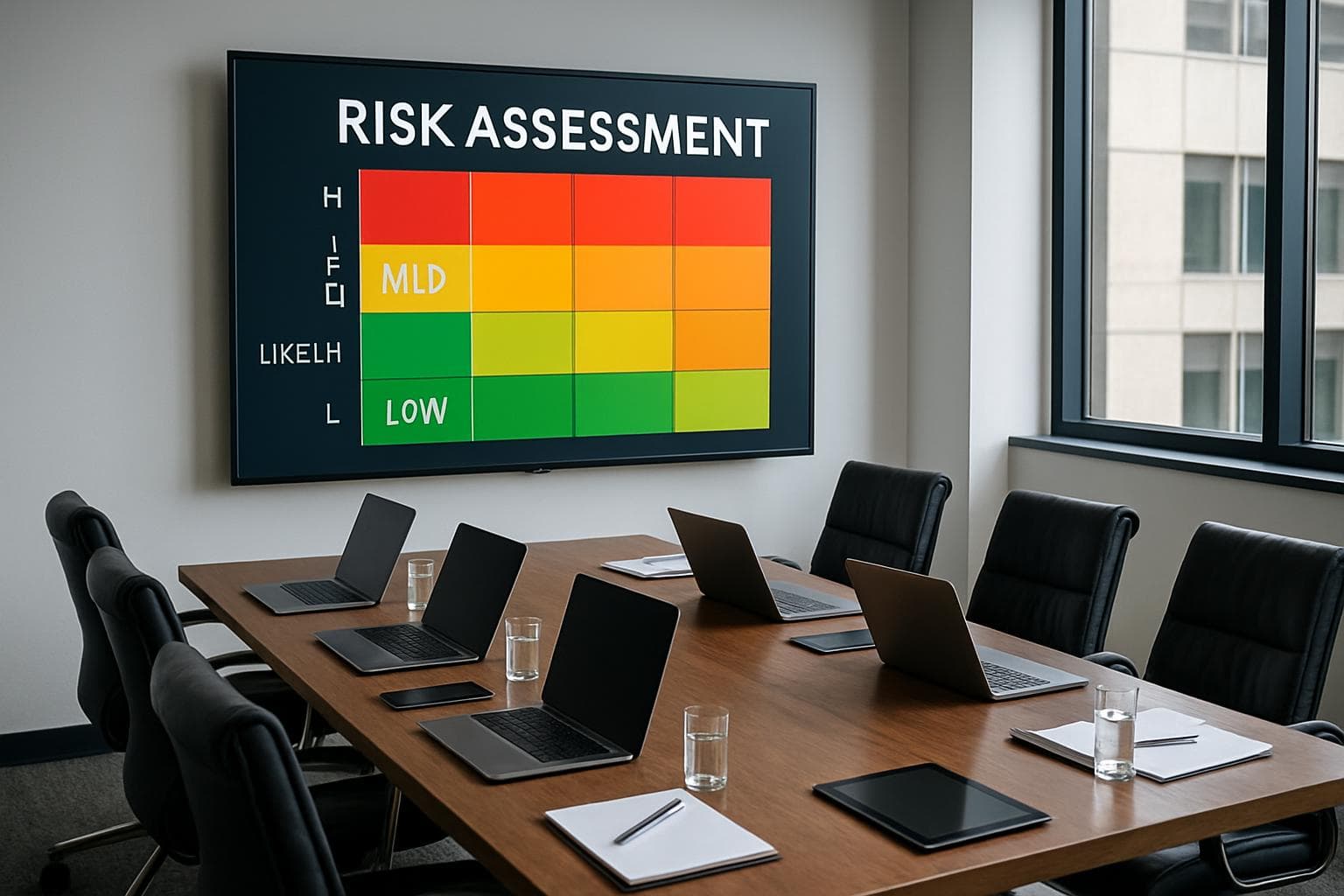
How Perth businesses and medical clinics can use AI safely to improve admin and service without exposing sensitive data or trusting unreliable output.
AI is already inside many workplaces, whether management approved it or not.
Staff use it to rewrite emails, summarise meetings, create spreadsheet formulas, research unfamiliar topics and turn rough notes into usable documents. Some of that work saves time. Some creates a new problem: business or patient information can end up in a tool nobody has reviewed, while confident-looking output gets treated as fact.
The answer is not to ban every AI product. Blanket bans usually push use out of sight. A better starting point is to choose a small number of useful tasks, approve the right tools and put clear limits around the information staff can enter.
SkyComm is actively developing practical AI and automation services for Perth businesses and medical practices. Our focus is the work behind the technology: choosing a suitable use case, connecting it safely to existing systems, keeping people in control and checking whether it produces a worthwhile result.
What business AI is good at today
AI works best when the task has a clear input, a repeatable process and a person who can check the result.
Useful examples include:
- Turning meeting notes into a first draft of actions and follow-up emails.
- Summarising a long internal document for someone who already understands the subject.
- Drafting routine customer communications for staff to review before sending.
- Searching an approved collection of internal procedures and product information.
- Categorising incoming requests and sending them to the right queue.
- Extracting defined fields from forms or documents, with exceptions held for review.
- Creating a first draft of a report, proposal, checklist or knowledge-base article.
- Helping staff build spreadsheet formulas or organise non-sensitive data.
AI is much less reliable when the task is vague, the source material is incomplete or the answer carries legal, financial, clinical or safety consequences. It can produce fluent nonsense. It can miss context. It can also repeat an error with complete confidence.
Start with a workflow, not an AI subscription
Buying licences before choosing a problem is an expensive way to discover that nobody knows what to do with the product.
Start with one workflow that causes visible friction. It might be an inbox that needs constant sorting, meeting notes that never become assigned tasks, repetitive monthly reporting or a collection of procedures that staff struggle to search.
Document four things before testing a tool:
1. What happens now?
2. How much staff time does it consume?
3. What would a useful output look like?
4. What can go wrong if the AI is incorrect?
Then run a controlled trial with a named owner. Measure time saved, correction rate and whether work moves faster. If the team still has to rewrite every output, the tool is not saving time. If it saves three hours a week and the review process takes 20 minutes, there may be something worth expanding.
Five practical AI projects for a Perth business
1. Internal procedure search
A business may have good procedures scattered across SharePoint, Word documents, PDFs and old emails. An approved AI search tool can help staff find the right procedure and point them back to the source.
The source link matters. Staff should be able to verify the answer rather than trust a generated summary on its own.
2. Enquiry and ticket triage
AI can read a new enquiry, identify its subject and suggest the right team or priority. A person still handles unusual, urgent or sensitive cases.
This is often more useful than a public chatbot. It improves the work customers cannot see: less manual sorting and faster routing to someone who can help.
3. Meeting summaries and action lists
Approved meeting tools can create transcripts, summaries and proposed action items. They are useful when people spend more time writing notes than participating.
Before switching this on, decide which meetings may be recorded, how participants will be informed, where the transcript is stored and when it will be deleted. Sensitive HR, legal and clinical conversations may need a different rule.
4. First drafts for routine documents
AI can turn structured notes into a draft proposal, project update, customer email or internal guide. The staff member remains the author and reviewer.
A good template improves consistency. A poor prompt fed into an unapproved public tool simply creates faster inconsistency.
5. Repetitive data handling
Businesses often copy information between forms, spreadsheets, inboxes and line-of-business applications. Some of this can be automated without AI. Other tasks benefit from AI when documents vary in format or wording.
Use normal automation for fixed rules. Use AI when interpretation is genuinely required, then build a review path for uncertain results.
How medical clinics can use AI without crossing clinical boundaries
Medical practices have useful administrative opportunities, but the risk is higher because patient information and clinical decisions are involved.
Suitable starting points may include:
- Drafting generic, non-clinical patient communications for staff approval.
- Converting approved internal policies into easier staff reference material.
- Summarising vendor documentation or software release notes.
- Producing first drafts of meeting actions from non-clinical operational meetings.
- Helping management analyse de-identified operational information.
- Routing general enquiries without asking the AI to provide clinical advice.
- Preparing training material from approved sources.
Do not paste identifiable patient information, clinical notes, referrals, Medicare details or staff records into a public AI service unless the organisation has completed a privacy, security and contractual review for that exact use. Removing a patient's name may not be enough if the remaining details can still identify them.
For a clinic, the safest early projects sit around administration and operations, not clinical judgement.
Choosing between Copilot, ChatGPT, Gemini and a custom AI tool
There is no universal best product. The right choice depends on where the work happens and what information the tool needs.
Microsoft 365 Copilot
This may suit organisations whose documents, email, meetings and permissions already live in Microsoft 365. The quality of the rollout depends heavily on the condition of the Microsoft 365 environment. If SharePoint permissions are messy, adding an AI search layer can expose that mess rather than fix it.
ChatGPT or another general AI assistant
A general assistant is useful for drafting, brainstorming and working with non-sensitive material. Business editions may offer stronger administrative, privacy and data-control options than free consumer accounts. Those settings and contract terms still need review before staff use the product with business information.
Google Gemini for Workspace
This may fit businesses already operating in Gmail, Drive and Google Workspace. As with Microsoft 365, access controls and shared-drive permissions need to be in order before AI is given wider access to organisational information.
A custom AI workflow or agent
A custom tool makes sense when the job spans several systems, follows business-specific rules or needs an approval process that an off-the-shelf assistant does not provide.
Examples include classifying enquiries, preparing a report from several approved data sources, drafting a response for human approval or monitoring a queue for defined exceptions.
Custom does not automatically mean better. It introduces development, testing, logging, security and maintenance work. The business case must justify that work.
Seven rules for safer AI adoption
1. Decide what staff may and may not enter
Write down the restricted information. Include customer records, patient information, passwords, API keys, financial details, legal material, HR records and commercially sensitive documents where relevant.
2. Use approved business accounts
Personal and free accounts are difficult to govern. Business-managed accounts provide a clearer path for access control, offboarding and policy enforcement.
3. Keep a person responsible for the output
AI can prepare a draft or recommendation. A named staff member should approve anything sent to a customer, used in a decision or entered into an official record.
The Australian Government's business AI guidance makes the same point: AI-generated content and decisions need human oversight because these systems can present false or misleading information as fact.
4. Check permissions before connecting company data
An AI assistant may make existing files easier to discover. That is useful only when the underlying access permissions are correct. Review shared drives, SharePoint sites, mailboxes and stale user accounts first.
5. Test with low-risk information
Do not make patient data, payroll or confidential client files the first experiment. Use synthetic, public or properly de-identified information while evaluating the workflow.
6. Log what the system did
For automated workflows, retain enough information to understand what data was used, what output was produced, who approved it and what happened next. Logging helps when investigating an error or improving the process.
7. Give staff a short AI policy and practical training
A useful policy does not need to be 40 pages long. It should name the approved tools, prohibited information, required review steps, incident-reporting path and person accountable for AI use.
The Australian Government's Voluntary AI Safety Standard provides ten guardrails that organisations can use when establishing AI governance and risk management.
A simple AI readiness checklist
Before approving a new AI tool or workflow, confirm:
- The business problem and intended outcome are documented.
- A staff member owns the trial and the final output.
- The information the tool will access is classified.
- Privacy, security and contractual terms have been reviewed.
- Existing file and system permissions are suitable.
- The team knows when human review is mandatory.
- The trial has a stop condition if accuracy or risk is unacceptable.
- Success will be measured in time, cost, response or quality, not by how often the tool is opened.
Where SkyComm can help
AI projects sit across technology, security and day-to-day operations. The tool is often the easiest part. The harder work is deciding where it belongs, protecting the information around it and connecting it to existing systems without creating a fragile process.
SkyComm can help Perth businesses and medical practices with:
- AI readiness and workflow reviews.
- Product selection and controlled pilot design.
- Microsoft 365 and cloud preparation before AI rollout.
- Internal knowledge search and document workflows.
- Business-specific automations and AI agents with approval steps.
- Security and access controls, logging and data-handling controls.
- Staff guidance and practical AI-use policies.
- Ongoing IT support as tools and business requirements change.
We are developing these services around real operational needs rather than generic AI packages. A useful first conversation starts with the work your team repeats every week and the information that work touches.
Talk to SkyComm about practical AI
If your team is already experimenting with AI, or you have a process that seems ready for automation, SkyComm can help assess the opportunity and the risks before you commit to a platform.
Contact SkyComm to arrange an AI readiness and workflow review for your Perth business or medical practice, or call 1800 957 977.
This article provides general business technology and cybersecurity information. Medical practices should complete appropriate privacy, clinical-governance and security reviews before using AI with patient or clinical information.
SkyComm IT Solutions
Perth's leading medical and business IT support provider. Trusted by healthcare practices, law firms, and businesses across Western Australia for over 20 years.