Medical IT support Perth guide for GP clinics and specialists. Clinical software, cybersecurity, compliance and what to look for in a healthcare IT provider.

# Medical IT Support Perth: The Complete Guide for Clinics and Specialists (2026)
If your clinic's server went down right now, how long before patient care is affected?
For most Perth medical practices, the answer is minutes. Appointments freeze, scripts cannot be sent, Medicare claims stop processing, and your front desk fields a queue of frustrated patients with no answers to give.
Medical IT is not like general business IT. When a retail shop loses internet, sales slow down. When a clinic loses access to clinical records, patient safety is at risk.
This guide covers everything a Perth GP practice, specialist clinic or allied health provider needs to know about medical IT support in Perth in 2026 — from the clinical software that runs your practice to the cybersecurity threats targeting healthcare, and how to choose a provider who actually understands your world.
Why Medical Clinics Have Unique IT Needs
A standard business needs email, file storage and internet access. A medical practice needs all of that — plus a complex layer of clinical systems, compliance obligations and patient safety considerations that most IT providers have never dealt with.
Here is what makes medical IT different:
- Clinical software dependencies — your practice runs on platforms like Best Practice, Medical Director, Genie Solutions or Zedmed. These applications have specific server requirements, database dependencies and update schedules that generic IT teams often get wrong.
- Uptime is a patient safety issue — when systems fail during consultations, clinicians cannot access patient histories, allergies or medication records. This is not an inconvenience. It is a clinical risk.
- Compliance is mandatory, not optional — the Privacy Act 1988, RACGP Computer and Information Security Standards, and the Notifiable Data Breaches scheme all impose specific obligations on how patient data is stored, accessed and protected.
- Change windows are narrow — you cannot reboot a server during a busy Monday morning clinic. Updates, patches and infrastructure changes need to happen outside clinical hours.
- Integration complexity — a single clinic may run clinical software, Medicare Online claiming, pathology and radiology ordering, secure messaging (Medical Objects, Argus, HealthLink), eScripts, My Health Record and practice management billing. All of these need to work together, reliably.
💡
Key Takeaway: Medical IT is not just business IT with a stethoscope. The clinical software, compliance requirements and patient safety implications demand healthcare-specific expertise.
Clinical Software Used in Australian Medical Practices
Understanding what software powers Australian clinics is essential context for choosing the right IT support.
Practice Management and Clinical Systems
- Best Practice — the most widely used clinical and practice management software in Australian GP clinics. Windows-based, typically runs on a local server with SQL database.
- Medical Director (by Health Communication Network) — popular alternative to Best Practice with strong clinical decision support. Also Windows-based with specific server requirements. Popular in specialist practices.
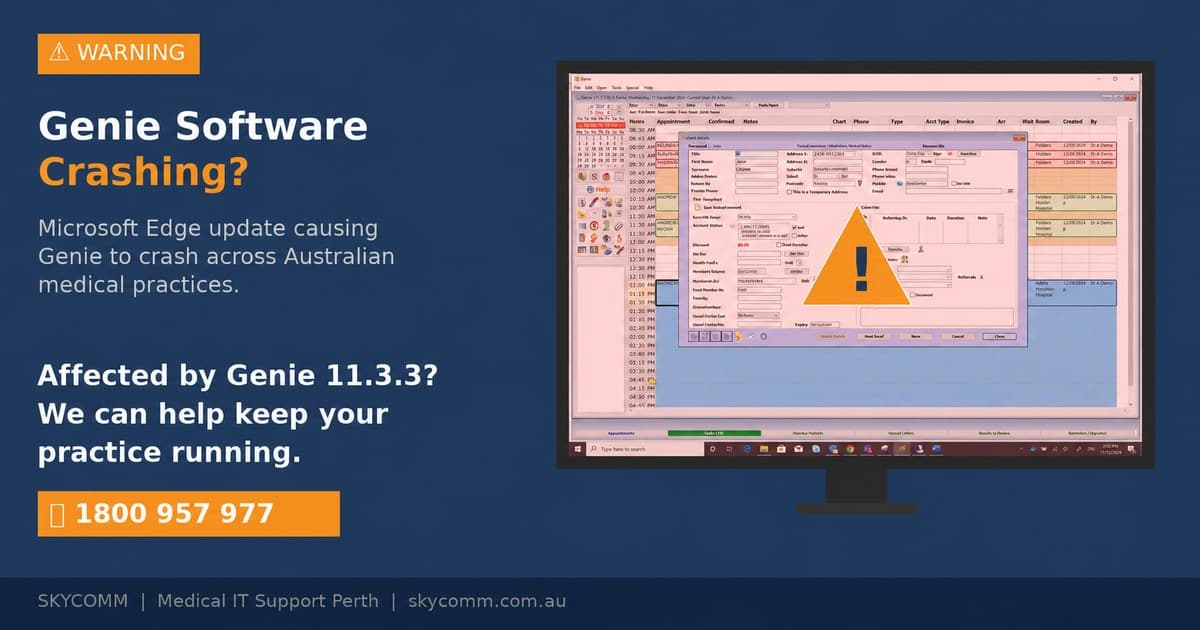
- Genie Solutions (by Magentus) — widely used in specialist clinics, particularly in Queensland and Western Australia. Runs on local servers with PostgreSQL database. SkyComm is a Certified Magentus Adviser for Genie support.
- Zedmed — used by some GP and specialist practices, particularly in Victoria. Cloud-based options now available alongside traditional server deployments.
- Pracsoft — practice management and billing software, often paired with Medical Director for front-desk operations.
- Dental4Windows (D4W) — the most widely used dental practice management software in Australia, handling charting, treatment planning, imaging, and billing for dental practices. SkyComm provides dedicated D4W support including installation, imaging integration, and database management.
Supporting Systems
- Medicare Online Claiming — real-time Medicare claims processing integrated with clinical software
- eScripts (Electronic Prescriptions) — increasingly standard for GP clinics, requires Active Script List connectivity
- My Health Record — ADHA's national digital health record system, requires conformant software and registered healthcare provider credentials
- Pathology and Radiology Ordering — electronic ordering via Medical Objects, Argus or HealthLink
- Secure Messaging — encrypted clinical correspondence (referrals, discharge summaries, results)
- Email and Microsoft 365 — essential for practice communications. Recent Microsoft 365 changes may affect scan-to-email functionality in clinics.
What This Means for IT Support
Your IT provider needs hands-on experience with these platforms. Not theoretical knowledge — real daily experience supporting them in live clinical environments.
Questions to ask:
- How many clinics running Best Practice do you currently support?
- Have you performed a Genie server migration before?
- Can you manage Medical Director database maintenance and updates?
- Do you understand the network requirements for Medicare Online claiming?
Cybersecurity Risks for Healthcare
Healthcare is one of the most targeted sectors for cyberattacks in Australia. The Office of the Australian Information Commissioner (OAIC) consistently ranks healthcare among the top sectors for reported data breaches.
Why Clinics Are Targeted
- High-value data — patient records contain Medicare numbers, dates of birth, medical histories and billing information. This data is worth significantly more on the dark web than credit card numbers.
- Legacy systems — many clinics run older hardware and software with known vulnerabilities.
- Limited IT budgets — smaller practices often lack dedicated security monitoring.
- Urgency to restore — healthcare providers cannot afford extended downtime, making them more likely to pay ransoms.
Common Threats Facing Perth Clinics
Ransomware — malicious software that encrypts your data and demands payment for the decryption key. A single ransomware attack can shut down a clinic for days or weeks.
Phishing emails — fraudulent emails designed to trick staff into revealing credentials or clicking malicious links. Practice staff managing high email volumes are particularly vulnerable.
Business Email Compromise — attackers impersonate suppliers, accountants or even other doctors to redirect payments or extract sensitive information.
Unpatched systems — known software vulnerabilities that have not been updated with security patches. This is the single most exploitable weakness in most small practices.
What Good Medical IT Security Looks Like
At minimum, your IT provider should be implementing:
- Multi-factor authentication (MFA) on all accounts — email, clinical software, remote access
- Endpoint detection and response (EDR) — not just antivirus, but active threat monitoring on every workstation
- Email security — filtering, anti-phishing, DMARC/DKIM/SPF configuration. See our Email and Office 365 solutions for healthcare.
- Regular patching — operating systems, clinical software, firmware on firewalls and switches
- Backup monitoring with restore testing — backups that are verified and tested, not just running in the background unchecked. Read more about our backup and business continuity approach.
- Security awareness training — helping practice staff recognise phishing and social engineering
💡
Key Takeaway: Cybersecurity is not an optional extra for medical practices. It is a clinical governance responsibility. If your IT provider treats security as an add-on, they are not ready to support healthcare.
Learn more about our cybersecurity services for medical practices.
Network Infrastructure for Clinics
Clinical workflows depend on reliable, well-designed network infrastructure. A slow network does not just frustrate staff — it delays patient care.
Core Network Requirements
- Business-grade firewall — not a consumer router. A properly configured firewall with intrusion detection, content filtering and VPN capability. See our network support and security services.
- Managed switches — for segmenting clinical traffic, printers, Wi-Fi and guest networks.
- Structured cabling — Cat6 or Cat6A cabling to every consultation room, reception desk and server location. Wi-Fi alone is not sufficient for clinical workstations.
- Reliable Wi-Fi — for tablets, mobile devices, patient Wi-Fi and areas where cabling is impractical. Medical-grade access points with proper coverage planning.
- Redundant internet — a secondary internet connection (4G/5G failover) so your clinic stays operational if the primary connection drops.
- UPS (Uninterruptible Power Supply) — for servers, switches and the firewall. Perth experiences power fluctuations and outages — a UPS prevents hard crashes and data corruption.
- VoIP telephone systems — modern clinic phone systems need reliable network infrastructure. Learn about our VoIP solutions for medical practices.
Server vs Cloud
Many clinics are weighing up whether to keep local servers or move to cloud-hosted solutions.
| Factor | Local Server | Cloud Hosted |
|---|---|---|
| -------- | ------------- | ------------- |
| Speed for clinical software | Fastest (local network) | Depends on internet quality |
| Upfront cost | Higher (hardware purchase) | Lower (subscription) |
| Ongoing management | Requires local maintenance | Managed by provider |
| Internet dependency | Low — works offline | High — no internet means no access |
| Data sovereignty | Full control | Must verify Australian hosting |
| Backup complexity | Local + offsite required | Typically included |
Compliance Requirements for Medical Practices
Australian medical practices have specific legal and regulatory obligations regarding IT systems and data handling.
Privacy Act 1988 and the Notifiable Data Breaches (NDB) Scheme
The Privacy Act requires medical practices to take reasonable steps to protect personal information. Under the NDB scheme, if a data breach occurs that is likely to result in serious harm, you must notify affected individuals and the OAIC within 30 days.
What this means for IT: your systems must have security controls in place, access must be logged, and you need a documented response plan for breaches.
RACGP Computer and Information Security Standards (CISS)
The RACGP's CISS provides a framework for IT security in general practice. Key areas include:
- Access controls and user management
- Data backup and recovery
- Physical security of IT equipment
- Network security
- Incident response planning
- Staff training
Australian Cyber Security Centre (ACSC) Essential Eight
The Essential Eight is the Australian Government's baseline cybersecurity framework. While not mandated specifically for healthcare, it represents best practice and increasingly aligns with accreditation expectations.
The eight strategies are:
1. Application control
2. Patch applications
3. Configure Microsoft Office macro settings
4. User application hardening
5. Restrict administrative privileges
6. Patch operating systems
7. Multi-factor authentication
8. Regular backups
A good medical IT provider should be implementing these proactively, not waiting for you to ask.
More information: ACSC Essential Eight
My Health Record and ADHA Requirements
Practices connected to My Health Record must comply with ADHA's security requirements, including conformant software, registered healthcare organisation credentials and appropriate access controls.
How to Choose a Medical IT Provider in Perth
Not all IT companies can support a medical practice properly. Here is what to evaluate.
Must-Have Capabilities
- Healthcare software experience — daily, hands-on support for Best Practice, Medical Director, Genie or whichever platform your clinic runs
- Compliance knowledge — can they discuss Privacy Act, RACGP CISS and Essential Eight in practical terms?
- Defined SLAs — what is their response time for critical issues? Can they provide data?
- Proactive monitoring — are they watching your systems 24/7, or just waiting for you to call? This is the difference between reactive and managed IT services.
- Local Perth presence — remote support is useful, but when hardware fails or a server needs hands-on work, you need someone who can be on-site
- Business continuity planning — not just backups, but a tested plan for getting your clinic operational after an incident
Red Flags
- "We treat all industries the same" — medical IT has specific requirements
- "Security is an optional add-on" — it should be built into every managed service
- "We have not worked with your clinical software, but we will figure it out" — your clinic is not a training ground
- No written onboarding plan or asset audit
- Cannot provide SLA performance data when asked
- Lock-in contracts with no measurable service outcomes
Questions to Ask Before Signing
Service quality:
- What are your SLAs for critical, high and normal priority issues?
- How do urgent issues escalate?
- Do we get proactive monitoring and monthly reporting?
- Which medical software platforms do you support every week?
- How do you handle updates without disrupting consultations?
- Can you support multi-site practices?
- How do you implement MFA and endpoint security?
- Do you conduct regular backup restore testing?
- Can you support NDB response planning?
- What is included in the monthly fee versus billable extras?
- Are on-site visits included?
- What are the contract terms and exit conditions?
💡
Key Takeaway: If a provider cannot answer these questions clearly and in plain language, they are not ready to support a healthcare environment.
What Medical IT Support Should Cost in Perth
IT support costs vary depending on practice size, complexity and the level of support you need. The figures below cover support only and do not include software licensing. Skycomm can tailor a plan to suit your requirements and budget.
| Practice Size | Monthly Support Cost (excl. software) |
| -------------- | --------------------------------------- |
| Solo GP (1–2 doctors) | $100–$300/month |
| Small clinic (3–5 doctors) | $300–$800/month |
| Medium practice (6–10 doctors) | $700–$1,500/month |
| Large practice (10+) | $2,500+/month |
Watch out for: providers who quote suspiciously low monthly fees but charge for every on-site visit, after-hours call or project separately. The headline rate means nothing if the real cost is hidden in extras.
How SkyComm Supports Perth Medical Practices
SkyComm has supported Perth medical practices for over 15 years with a proactive, healthcare-focused IT model. Our approach is built around three principles: keep your clinic running, keep your data safe and keep it simple to deal with us.
What we provide:
- Proactive monitoring and issue prevention — not just break-fix
- Healthcare-aligned cybersecurity controls as standard
- Daily experience with Best Practice, Medical Director, Genie Solutions and Zedmed
- Certified Magentus adviser for Genie specialist clinics
- Business continuity planning with tested recovery procedures
- Plain-English communication for practice managers
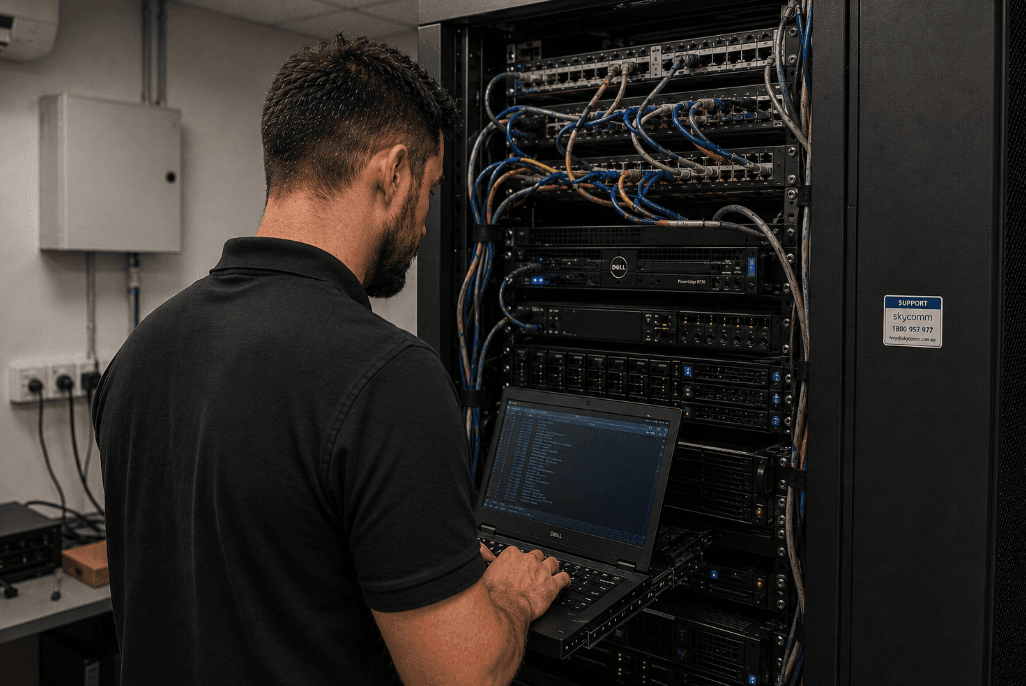
- Local Perth support team with on-site capability
Frequently Asked Questions
What is medical IT support?
Medical IT support is specialised IT services designed for healthcare environments. It covers clinical software management, healthcare cybersecurity, compliance with privacy regulations and maintaining the technology infrastructure that clinics depend on for patient care.
Who provides the best medical IT support in Perth?
The best medical IT support provider for your clinic will have direct experience with your clinical software, a strong cybersecurity posture, clear SLAs and local Perth presence. SkyComm has provided dedicated medical IT support to Perth clinics for over 15 years.
How much does medical IT support cost in Perth?
Medical IT support costs in Perth vary depending on practice size, number of sites and complexity. Support-only plans (excluding software licensing) typically range from $100 per month for a solo GP up to $2,500+ for larger multi-doctor practices. Skycomm can tailor a plan to suit your requirements and budget.
What clinical software do medical IT providers need to support?
In Australia, the main clinical platforms are Best Practice, Medical Director, Genie Solutions (Magentus) and Zedmed. Your IT provider should have hands-on experience with whichever platform your clinic uses.
Is cybersecurity really necessary for small medical clinics?
Yes. The OAIC reports that healthcare is consistently one of the most breached sectors in Australia. Small clinics are often more vulnerable because they have fewer security controls in place. Cybersecurity should be built into your IT support, not treated as an optional extra.
What compliance standards apply to medical practice IT?
Key standards include the Privacy Act 1988, the Notifiable Data Breaches scheme, RACGP Computer and Information Security Standards and the ACSC Essential Eight framework.
Next Steps
If you are reviewing medical IT support options in Perth and want a practical, no-pressure assessment of your current setup:
- Call: 1800 957 977
- Request a Free IT Assessment: Contact SkyComm
Related Reading
- Best Practice vs Medical Director: Which Is Right for Your Practice?
- How to Compare Medical IT Providers in Perth — checklist and red flags for evaluating providers
- Healthcare Cybersecurity in Action: Inside a Perth Medical Clinic IT Review
- Genie Software Support Perth: Certified Magentus Adviser
- IT Setup Checklist for a New Medical or Healthcare Clinic
- Medical Scan-to-Email Fix for Microsoft 365 Changes
- Holiday Season IT Checklist for Medical Practices
- Medical IT Support for Practices
- Cybersecurity Services
- Managed IT Services
- Cloud IT Solutions
SkyComm IT Solutions
Perth's leading medical and business IT support provider. Trusted by healthcare practices, law firms, and businesses across Western Australia for over 20 years.