Implement hybrid cloud backup and disaster recovery for your business. Comprehensive guide to protecting Australian business data with local and cloud solutions.
# Hybrid Cloud Backup and Disaster Recovery for Australian Businesses
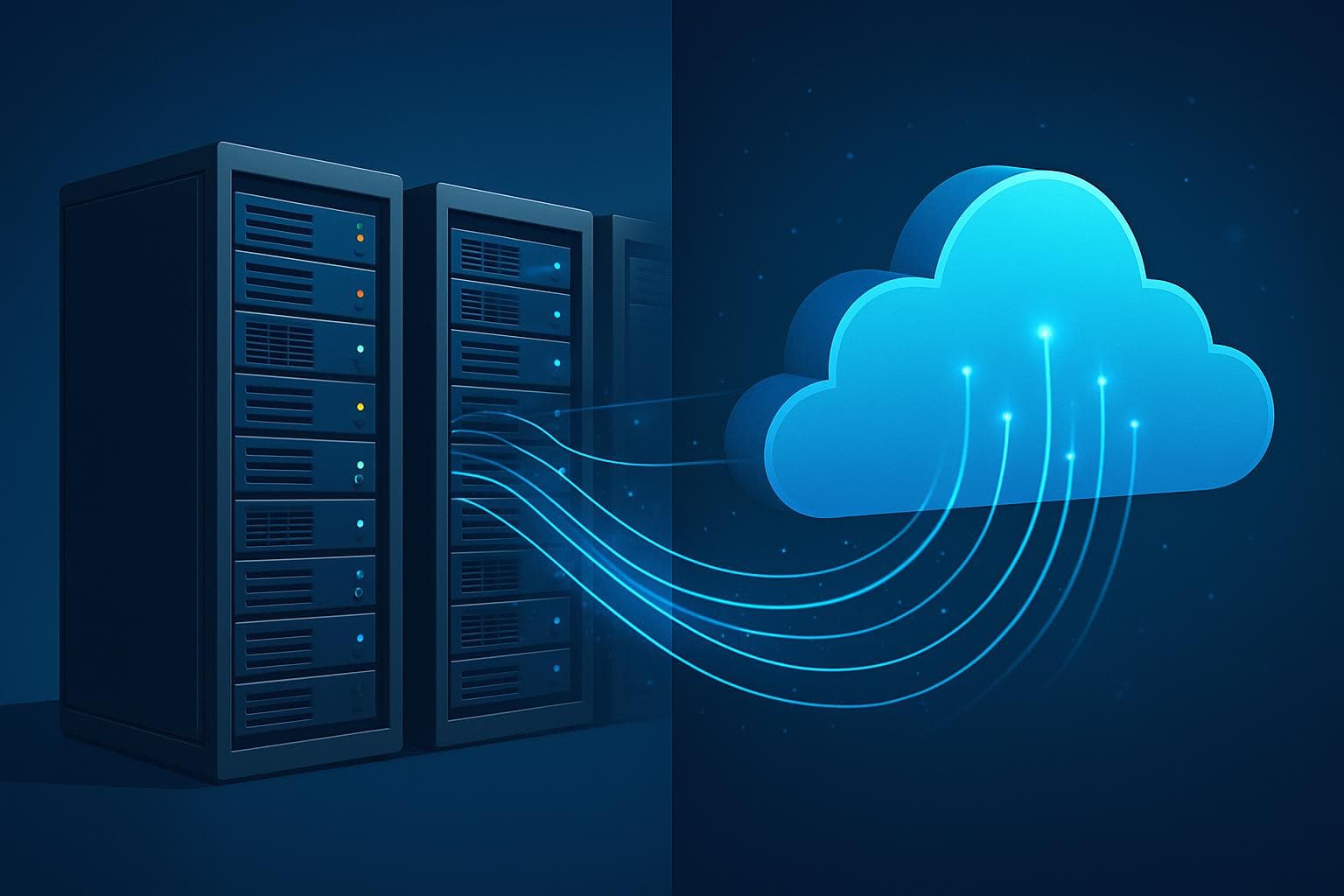
Hybrid cloud backup and disaster recovery combines the speed and control of local backup systems with the geographic protection and scalability of cloud storage. For Australian businesses, this approach provides optimal data protection that addresses local disaster risks, compliance requirements, and business continuity needs while maintaining cost-effectiveness.
Understanding Hybrid Cloud Architecture
What is Hybrid Cloud Backup?
Hybrid cloud backup systems use both local and cloud storage to create comprehensive data protection:
• Local backup systems - On-site storage for fast recovery and frequent access
• Cloud replication - Off-site copies for disaster recovery and long-term retention
• Automated synchronisation - Seamless data movement between local and cloud tiers
• Intelligent data placement - Optimised storage based on access frequency and importance
• Unified management - Single console for managing both local and cloud components
Benefits of Hybrid Approach
Speed and Accessibility:
• Rapid local recovery - Restore files and systems in minutes rather than hours
• Cloud accessibility - Access data from anywhere during disasters
• Bandwidth efficiency - Reduced internet dependency for daily operations
• Tiered performance - Match storage speed to recovery time requirements
Cost Optimisation:
• Local cache - Frequently accessed data stored locally for fast access
• Cloud economics - Long-term storage at cloud prices
• Scalable capacity - Pay only for cloud storage actually used
• Reduced hardware costs - Less local storage required than traditional systems
Australian Regulatory Considerations
Data Sovereignty Requirements
Australian businesses must consider data location and sovereignty:
Regulatory Compliance:
• Privacy Act obligations - Personal information protection requirements
• Notifiable data breach scheme - Rapid response capabilities for breach situations
• Industry-specific regulations - Healthcare, financial, and government requirements
• International data transfer - Restrictions on where data can be stored
• Audit and reporting - Detailed logging and monitoring for compliance
Australian Cloud Providers:
• Local data centres - Ensure data remains within Australian jurisdiction
• Certified providers - Government-certified cloud services for sensitive data
• Compliance frameworks - ISO 27001, SOC 2, and Australian government standards
• Legal protections - Australian privacy laws and legal frameworks
• Government initiatives - Whole of Government ICT Strategy compliance
Industry-Specific Requirements
Medical Practices:
• Patient privacy protection - HIPAA and privacy law compliance
• Medical record retention - Long-term storage requirements for patient data
• Telemedicine integration - Support for digital health initiatives
• Pathology integration - Backup of results from external systems
• Practice management systems - Critical application data protection
Legal Practices:
• Client confidentiality - Privileged communication protection
• Document retention - Legal requirements for case file preservation
• Court system integration - Electronic filing and document management
• Trust account records - Financial record protection and audit trails
• Conflict of interest - Separate backup systems for different clients
Designing Hybrid Backup Solutions
Architecture Planning
Local Infrastructure:
• Backup appliances - Dedicated hardware for local backup processing
• Network-attached storage - High-capacity local storage systems
• Deduplication technology - Reduce storage requirements and transfer times
• Snapshot capabilities - Point-in-time recovery options
• High-speed networking - Adequate bandwidth for backup operations
Cloud Integration:
• Multi-cloud strategies - Avoid vendor lock-in with multiple cloud providers
• Bandwidth management - Optimise cloud transfers for business hours
• Data encryption - End-to-end encryption for cloud-stored data
• Geographic distribution - Multiple data centre locations for redundancy
• API integration - Programmatic management of cloud resources
Recovery Time and Point Objectives
Defining Business Requirements:
• Recovery Time Objective (RTO) - Maximum acceptable downtime for each system
• Recovery Point Objective (RPO) - Maximum acceptable data loss for each application
• Criticality assessment - Identify most important systems and data
• Dependencies mapping - Understand system interconnections and requirements
• Cost-benefit analysis - Balance protection levels with budget constraints
Tiered Recovery Strategies:
• Tier 1 - Critical systems - Near-zero downtime requirements
• Tier 2 - Important systems - 4-hour recovery time objectives
• Tier 3 - Standard systems - 24-hour recovery time objectives
• Tier 4 - Archival data - Extended recovery times acceptable
• Testing schedules - Regular validation of recovery capabilities
Implementation Strategies
Phase 1: Assessment and Planning
Current State Analysis:
• Data inventory - Catalog all business data and applications
• Risk assessment - Identify potential disaster scenarios and impacts
• Compliance review - Understand regulatory requirements and obligations
• Technology audit - Evaluate existing backup and recovery capabilities
• Budget planning - Determine available resources for implementation
Solution Design:
• Architecture specification - Technical requirements and component selection
• Vendor evaluation - Compare hybrid backup solution providers
• Integration planning - How new systems will work with existing infrastructure
• Migration strategy - Plan for transitioning from current backup systems
• Testing methodology - Procedures for validating system effectiveness
Phase 2: Infrastructure Deployment
Local System Installation:
• Hardware procurement - Purchase and install backup appliances and storage
• Network configuration - Optimise networks for backup traffic
• Software installation - Deploy backup applications and management tools
• Initial configuration - Set up basic backup jobs and policies
• Performance testing - Validate system performance and capacity
Cloud Configuration:
• Account setup - Establish cloud storage accounts and access credentials
• Encryption configuration - Implement end-to-end encryption for cloud data
• Network connectivity - Configure secure connections to cloud providers
• Policy implementation - Set up data lifecycle and retention policies
• Access controls - Implement role-based access to cloud resources
Phase 3: Data Migration and Testing
Initial Data Seeding:
• Baseline backups - Create initial full backups of all systems
• Cloud seeding - Transfer initial data to cloud storage
• Verification procedures - Confirm data integrity and completeness
• Performance monitoring - Track transfer speeds and system performance
• Issue resolution - Address any problems identified during initial setup
Recovery Testing:
• File-level recovery - Test restoration of individual files and folders
• Application recovery - Validate complete application restoration
• System recovery - Test full server restoration capabilities
• Disaster scenarios - Simulate various disaster situations
• Documentation updates - Record procedures and lessons learned
Ongoing Management and Monitoring
Daily Operations
Automated Monitoring:
• Backup job monitoring - Automated alerts for failed or delayed backups
• Storage capacity tracking - Monitor local and cloud storage usage
• Performance metrics - Track backup and recovery performance over time
• Error detection - Immediate notification of system issues
• Compliance reporting - Automated reports for regulatory requirements
Proactive Maintenance:
• Regular testing - Scheduled recovery tests to validate system functionality
• Capacity planning - Monitor growth and plan for future requirements
• Security updates - Apply patches and updates to backup systems
• Policy reviews - Regular assessment of backup and recovery policies
• Vendor management - Maintain relationships with solution providers
Business Continuity Integration
Disaster Recovery Planning:
• Runbook development - Step-by-step procedures for disaster response
• Communication plans - How to coordinate during disaster situations
• Alternative operations - Temporary operational procedures during recovery
• Vendor contacts - Emergency contact information for all critical suppliers
• Regular updates - Keep disaster recovery plans current with business changes
Staff Training:
• Recovery procedures - Train staff on data recovery processes
• System administration - Develop internal expertise for day-to-day management
• Emergency response - Prepare teams for disaster situations
• Vendor training - Regular training on new features and capabilities
• Documentation maintenance - Keep all procedures current and accessible
Cost Management and Optimisation
Understanding Hybrid Backup Costs
Local Infrastructure Costs:
• Initial hardware - Backup appliances, storage systems, and networking
• Software licensing - Backup applications and management tools
• Maintenance contracts - Ongoing support and hardware warranty
• Power and cooling - Operating expenses for on-site equipment
• Staff time - Internal resources for management and monitoring
Cloud Service Costs:
• Storage fees - Monthly charges based on data volume
• Data transfer costs - Charges for uploading and downloading data
• API usage - Costs for programmatic access to cloud services
• Support services - Optional premium support from cloud providers
• Compliance certifications - Additional costs for certified cloud services
Optimisation Strategies
Storage Efficiency:
• Deduplication - Eliminate duplicate data to reduce storage requirements
• Compression - Reduce data size before transfer and storage
• Lifecycle policies - Automatically move older data to cheaper storage tiers
• Retention management - Delete data that no longer needs to be retained
• Archive strategies - Use low-cost storage for long-term retention
Transfer Optimisation:
• Bandwidth scheduling - Transfer data during off-peak hours
• Delta synchronisation - Transfer only changed data rather than full files
• Compression - Reduce data size before network transfer
• Local caching - Reduce repeated transfers of the same data
• Smart routing - Use optimal network paths for cloud transfers
Measuring Success and ROI
Key Performance Indicators
Operational Metrics:
• Backup success rates - Percentage of successful backup operations
• Recovery time actuals - Actual recovery times vs. objectives
• Data loss incidents - Frequency and magnitude of data loss events
• System availability - Uptime of backup and recovery systems
• User satisfaction - Feedback from staff using recovery services
Business Value Metrics:
• Downtime prevention - Calculate value of avoided business interruptions
• Compliance adherence - Success in meeting regulatory requirements
• Cost savings - Reduced costs compared to alternative solutions
• Risk reduction - Quantified reduction in business risk exposure
• Productivity gains - Improved efficiency from reliable systems
💡
Key Takeaway: Hybrid cloud backup combines the best aspects of local and cloud storage, providing Australian businesses with fast local recovery capabilities and robust disaster protection. Success requires careful planning, proper implementation, and ongoing management that balances performance, cost, and compliance requirements.
Professional Hybrid Backup Implementation
Implementing hybrid cloud backup and disaster recovery requires expertise in multiple technologies, regulatory compliance, and business continuity planning. The complexity of integrating local and cloud systems while meeting Australian compliance requirements makes professional implementation essential for most businesses.
SkyComm specialises in designing and implementing hybrid backup solutions for Perth businesses, including medical practices, legal firms, and professional services. We understand Australian regulatory requirements and can help you design solutions that provide optimal protection while meeting compliance obligations.
Our hybrid backup services include architecture design, vendor selection, implementation management, and ongoing monitoring. We work with leading Australian cloud providers and backup technology vendors to deliver solutions that protect your business while controlling costs.
For expert hybrid backup consultation and implementation, contact SkyComm on 1800 957 977. Let us help you design and implement backup and disaster recovery solutions that provide the protection your business needs with the performance and compliance you require.
SkyComm IT Solutions
Perth's leading medical and business IT support provider. Trusted by healthcare practices, law firms, and businesses across Western Australia for over 20 years.