
SkyComm Blog
Expert IT insights for medical practices and businesses in Perth. Tips, guides, and news from our team.

Practical AI for Perth Businesses and Medical Clinics: Where to Start and What to Avoid
How Perth businesses and medical clinics can use AI safely to improve admin and service without exposing sensitive data or trusting unreliable output.
 🏥 Medical IT
Genie 11.3.3 Pulled After Crash Reports — What Perth Practices Need to Know
Genie 11.3.3 has been pulled by Magentus after crash reports and the installer is no longer available. Known issues, workarounds, and what Perth medical practices should do now.
 🏥 Medical IT
Windows Server 2016 End of Support: Upgrade Planning for Perth Clinics and Businesses
Still running Windows Server 2016? Learn why Perth medical clinics and businesses should start planning server upgrades, cyber security improvements, backups, and infrastructure modernisation before support ends.
 💼 Business IT
IT Support for Construction Companies in Perth (2026 Guide)
Looking for IT support for construction companies in Perth? Improve site connectivity, Microsoft 365, phones, and cyber security for office and field teams.
 💼 Business IT
NDIS IT Support Perth: Secure, Reliable & Cost-Effective Solutions (2026 Guide)
NDIS IT support in Perth for providers and disability service organisations. Learn what secure, reliable, cost-effective IT should include — from Microsoft 365 and backups to cyber security, mobile teams, and compliance-aligned systems.
 🏥 Medical IT
Genie Software Now Requires Windows 11: What Medical Clinics Need to Do Before Upgrading
Genie v11.3.1 and above now requires Windows 11 for Windows clients and macOS Sonoma 14.8.4 or later for Mac clients. Here's what Perth medical clinics need to check before upgrading to avoid lockouts, downtime, and rushed hardware replacements.
 🏥 Medical IT
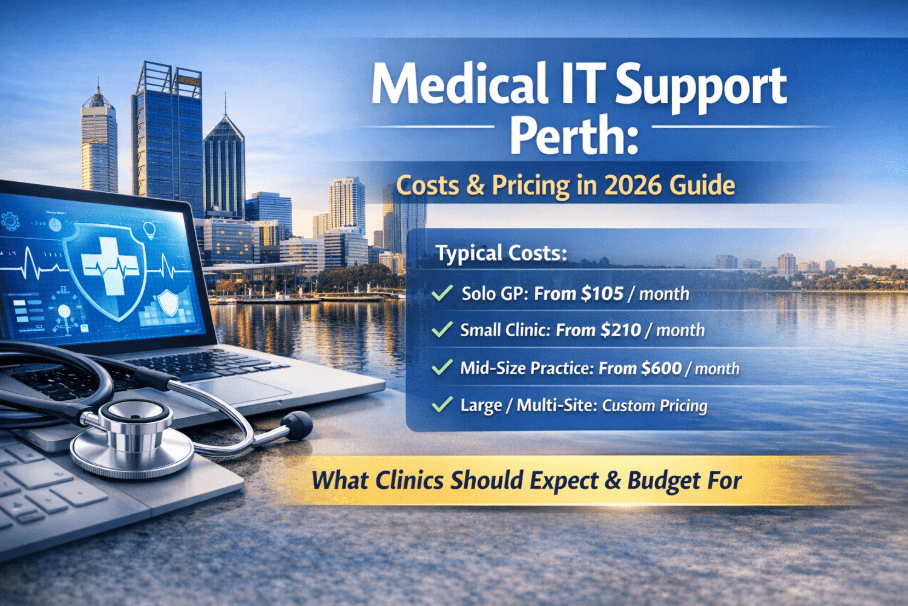
Medical IT Support Perth: Costs, Pricing & What Clinics Should Expect (2026 Guide)
How much does medical IT support cost in Perth? Real pricing from $105/month for solo GPs to custom multi-site contracts. Honest breakdown of what affects cost, managed vs break-fix, and what to ask any provider before you sign.
 🏥 Medical IT
Allied Health IT Support Perth | Cliniko, NDIS & Telehealth Experts
Allied Health IT Support Perth for physiotherapy, psychology and NDIS providers. Support for Cliniko, Zanda, telehealth, cybersecurity and compliance. Perth-based experts.
 🏥 Medical IT
Dental IT Support Perth: What Dental Practices Actually Need From Their IT Provider
Specialist IT support for dental practices in Perth. Digital X-ray systems, Dental4Windows (D4W), practice management software, patient data security and compliance. SkyComm supports dental clinics across Western Australia.
 🏥 Medical IT
Medical IT Support Perth for Medical Centres & Clinics | Relocation Without Downtime
SkyComm provides medical IT support in Perth for clinic and medical centre relocations. Zero data loss, minimal downtime, RACGP-aligned systems. Specialists in Genie, Best Practice and Medical Director migration.
 🏥 Medical IT
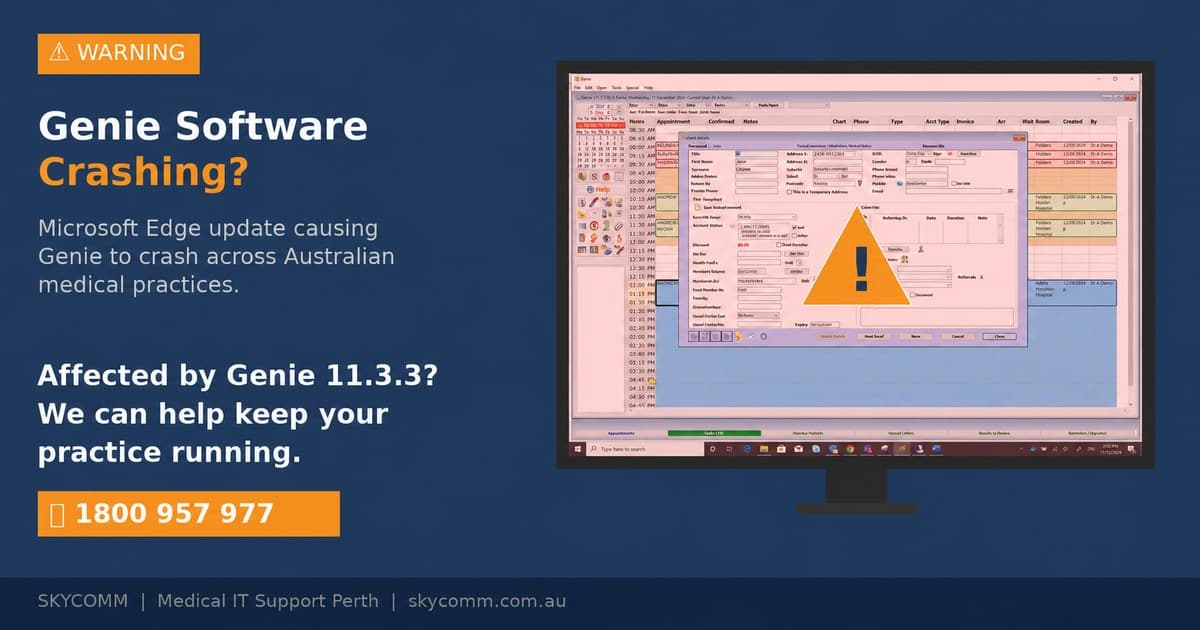
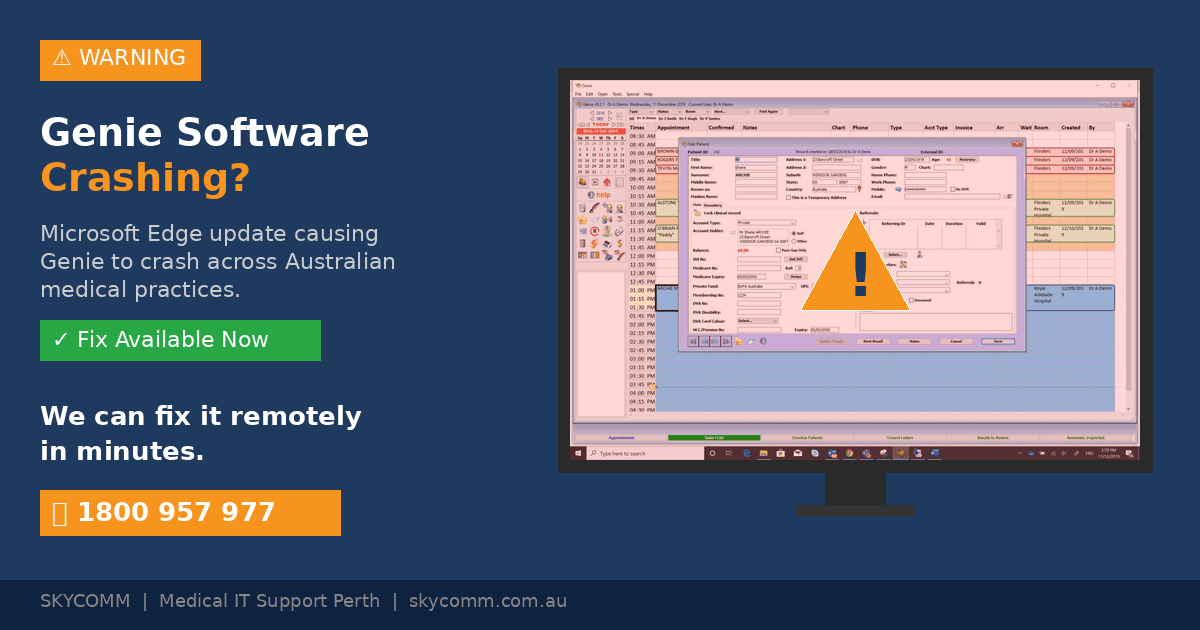
Microsoft Edge Update Causing Genie Software Crashes — Here's the Fix
A recent Microsoft Edge update is causing Genie Solutions (Magentus) to crash in medical practices across Australia. Here's what's happening, the WebView2 registry fix, and how to protect your practice.
 🔒 Cybersecurity
Microsoft 365 Security for Medical Practices | Cybersecurity Guide 2026
Learn how medical practices should secure Microsoft 365. MFA, email protection, compliance and cybersecurity best practices for Australian clinics.
 🔒 Cybersecurity
Essential Eight Compliance for Medical Practices: A Practical Guide for Perth Clinics
Plain-English guide to the ACSC Essential Eight for Perth medical practices. What each control means for healthcare, maturity levels to target, and a 90-day implementation roadmap.
 🔒 Cybersecurity
Medical Practice Cybersecurity Compliance Checklist: Are You Accreditation-Ready?
25-item cybersecurity compliance checklist for Australian medical practices. Practical, printable guide for practice managers preparing for RACGP accreditation — what assessors actually check.
 🏥 Medical IT
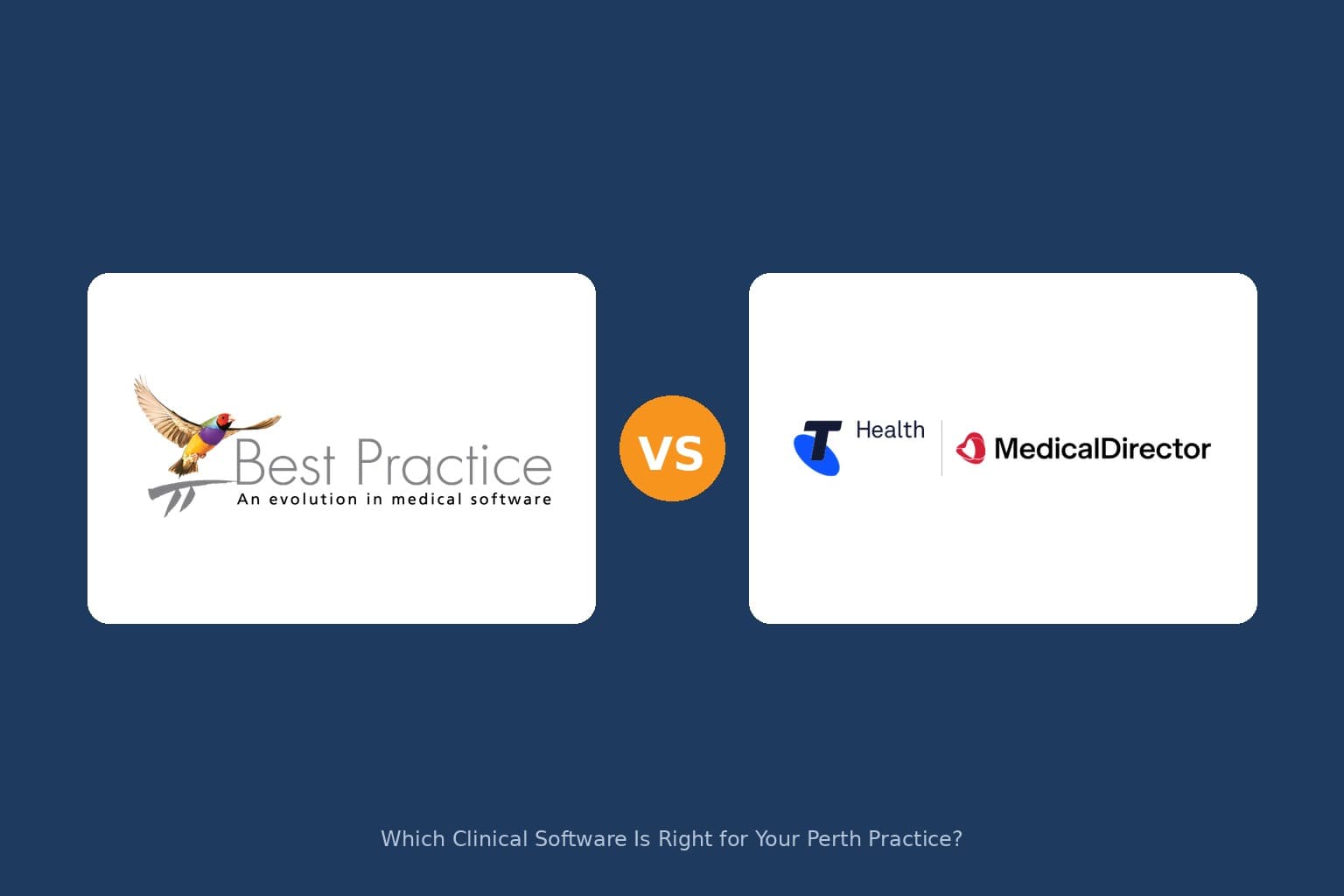
Best Practice vs Medical Director: Which Clinical Software Is Right for Your Perth Practice?
Independent comparison of Best Practice and Medical Director for Australian GP clinics. Features, migration, costs, and which platform suits your Perth practice — from an IT team that supports both.
 🔒 Cybersecurity
Perth Medical Practice Cyber Insurance: What Claims Adjusters Actually Look For
Inside look at cyber insurance claims for Perth medical practices. What adjusters really check, coverage gaps to avoid, and how to prepare for successful claims.
 🔒 Cybersecurity
Inside the Medibank Cyber Attack: What Every Perth Medical Practice Must Learn
Analysis of the Medibank cyber attack reveals critical security gaps that every Perth medical practice needs to address. Expert breakdown of how it happened and prevention strategies.
 🏥 Medical IT
RACGP IT Requirements: What Your Practice Needs for Accreditation in 2026
RACGP accreditation IT requirements explained. Data backup, access controls, encryption, audit trails and the IT checklist your Perth practice needs before the assessor arrives.
 🏥 Medical IT
Medical IT Support Perth: The Complete Guide for Clinics and Specialists (2026)
Medical IT support Perth guide for GP clinics and specialists. Clinical software, cybersecurity, compliance and what to look for in a healthcare IT provider.
 🏥 Medical IT
Genie Software Support Perth: Certified Magentus Adviser for Specialist Clinics
Perth Genie software support from a certified Magentus adviser. SkyComm helps specialist clinics optimise performance, security and reliability.
 🏥 Medical IT
Healthcare Cybersecurity in Action: Inside a Perth Medical Clinic IT Infrastructure Review
Discover how SkyComm conducted an IT infrastructure and cybersecurity review for a Perth medical clinic, identifying risks and strengthening system security and reliability.
 🏥 Medical IT
Medical Scan-to-Email Not Working in 2026? What Perth Clinics Must Do Before Microsoft 365 Changes
Perth clinics face scan-to-email issues with Microsoft 365 security changes. Learn essential steps to maintain seamless document workflows.
 🏥 Medical IT
IT Setup Checklist for a New Medical or Healthcare Clinic
Complete IT setup checklist for new medical clinics in Perth. Essential hardware, software, security and compliance requirements covered.
 🏥 Medical IT
How to Compare Medical IT Providers in Perth: Checklist and Red Flags
Comparing medical IT providers in Perth? Use this checklist of questions, red flags, and evaluation criteria to choose the right healthcare IT partner for your clinic.
 🏥 Medical IT
Holiday Season IT Checklist for Medical Practices and Small Businesses
Essential IT checklist for Perth medical practices and businesses preparing for holiday closures. Secure systems and ensure smooth operations.
 📰 News
Windows 11 Upgrades: What Businesses Need to Know Before Windows 10 Ends
Windows 10 support ends October 2025. Perth businesses must plan Windows 11 upgrades now. Hardware requirements, costs, and migration strategies.
 🔒 Cybersecurity
Cyber Security Solutions: A Comprehensive Approach to Safeguarding Your Business
Comprehensive cybersecurity solutions for Perth businesses. Multi-layered protection, threat detection, and incident response to safeguard operations.
 💡 Tips & Guides
Seven Must-Haves for Your Small Business Website in 2026
Essential 2026 website features for Perth small businesses. Mobile optimization, AI chatbots, accessibility, sustainability and modern security.
 💼 Business IT
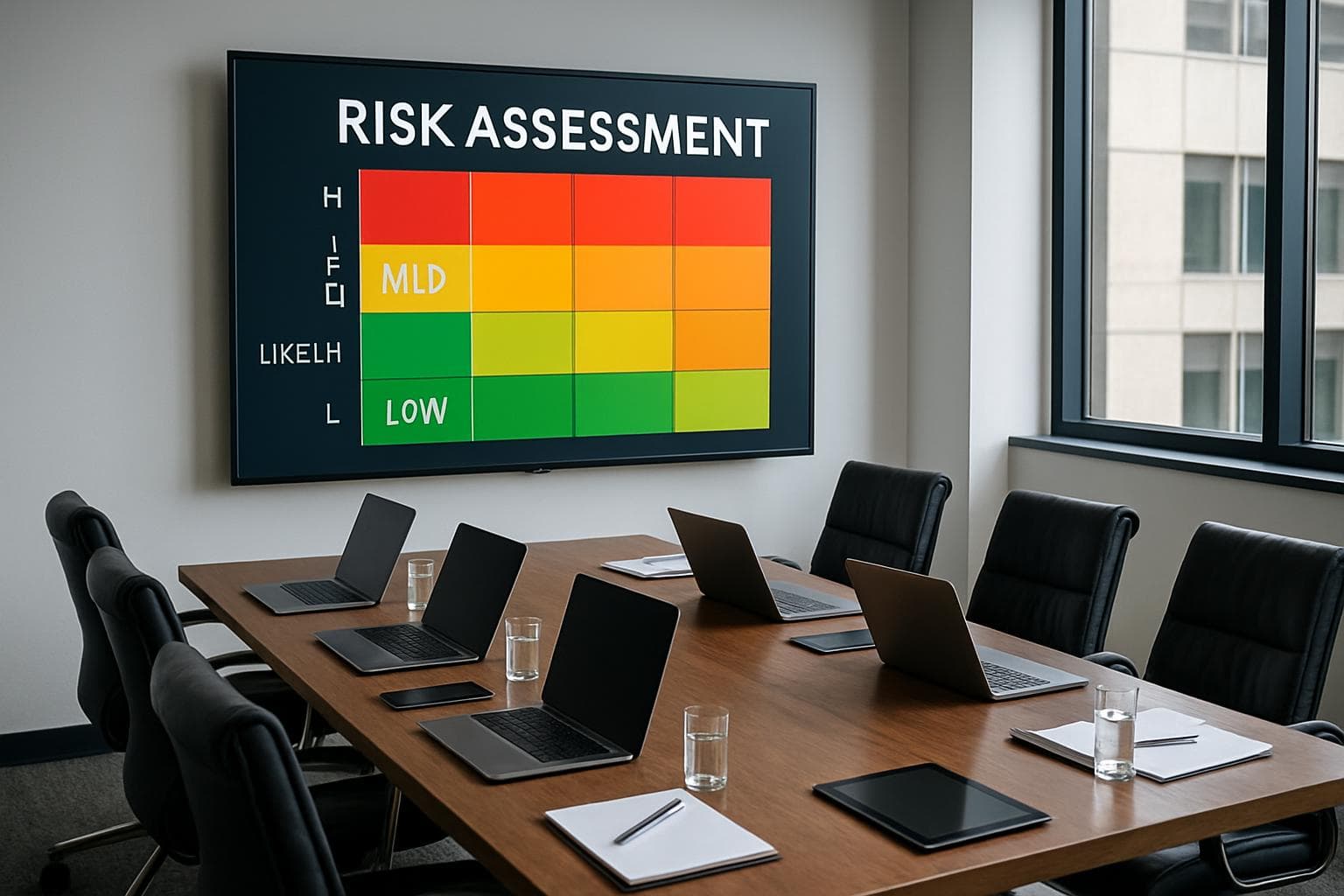
How to Mitigate Costly Technology Risks for Business Stability
Strategic guide to managing technology risks in Perth businesses. Risk assessment, mitigation strategies, and business continuity planning.
 🔒 Cybersecurity
Is Your Business Safe from Cyber Threats? A Perth IT Security Guide
Comprehensive cyber threat assessment for Perth businesses. Identify vulnerabilities, implement security measures, and protect against modern attacks.
 🔒 Cybersecurity
Is That Email a Phishing Scam? How to Spot and Avoid Email Fraud
Learn to identify modern phishing scams targeting Perth businesses. Advanced techniques, AI-powered attacks, and protection strategies for 2026.
 💼 Business IT
How Much Does IT Downtime Really Cost Your Business?
Calculate the true cost of IT downtime for Australian businesses. Hidden costs, industry impacts, and strategies to minimise business disruption.
 💡 Tips & Guides
Is Your Business Website Mobile-Friendly? Why It Matters in 2026
Mobile-first web design essentials for Perth businesses in 2026. User experience, SEO rankings, and conversion optimisation for mobile devices.
 🔒 Cybersecurity
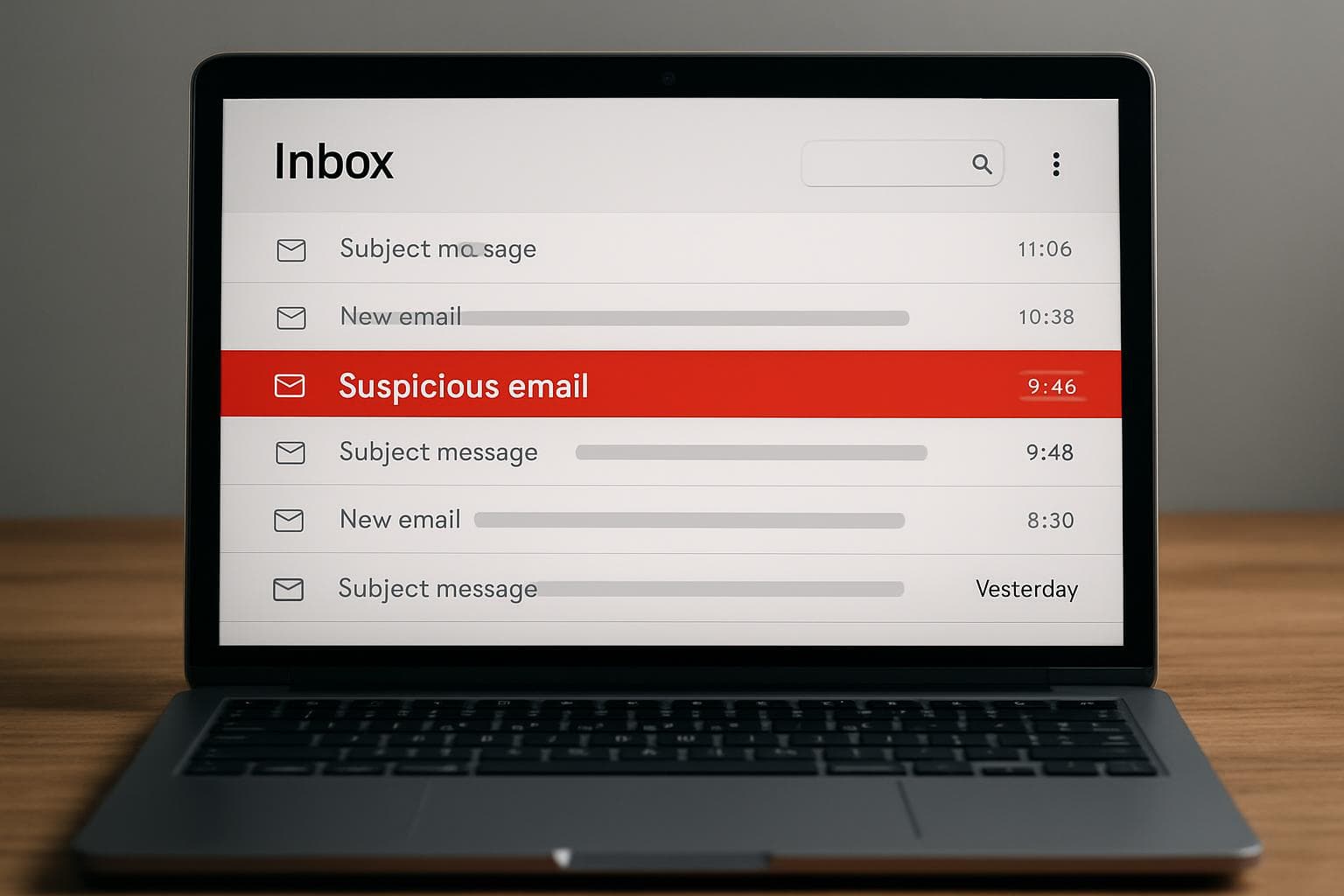
Email Security Alert: How Scam Emails Target Australian Businesses
Protect your business from email scams targeting Australian companies. Learn to identify fake Telstra, Australia Post, and other local scam emails.
 💡 Tips & Guides
Five Ways Your Business Can Improve Its Search Engine Rankings
Boost your business search engine rankings with these five proven strategies. Practical SEO tips for Australian businesses to increase online visibility.
 💼 Business IT
Five Things You Should Do Right Now to Protect Your Business Network
Immediate network security steps for business owners. Five critical actions to protect your systems from cyber threats and ensure business continuity.
 🔒 Cybersecurity
Data Loss Can Shut Down Your Business: How to Prevent It
Discover how data loss can force business closure and learn prevention strategies. Essential data protection advice for Australian businesses and medical practices.
 🔒 Cybersecurity
Can You Really Afford Not to Have a Backup Plan?
Discover the true cost of data loss for Australian businesses. Learn why backup plans are essential and how to implement effective data protection strategies.
 🔒 Cybersecurity
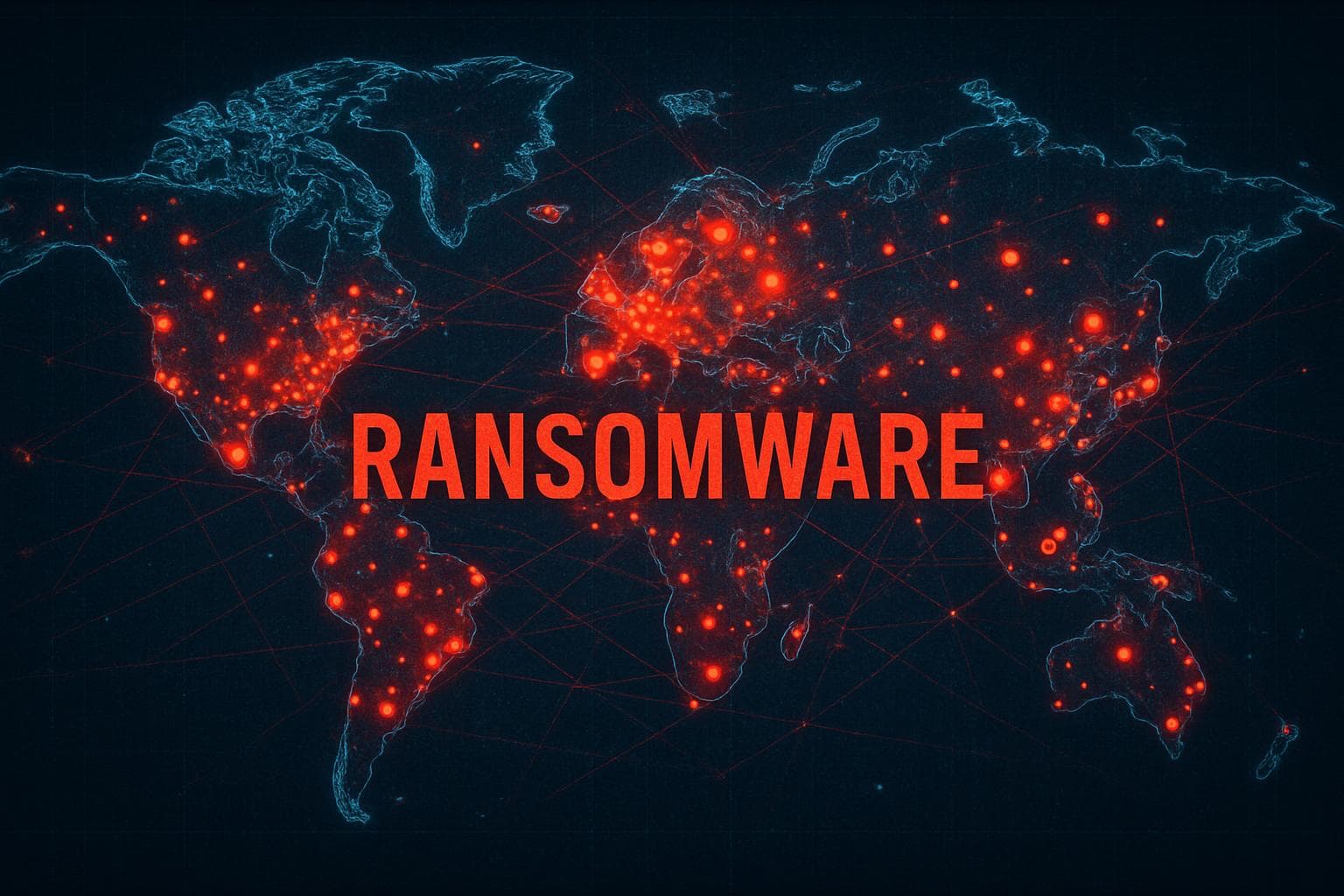
WannaCry Ransomware: Lessons for Australian Businesses
Learn from the WannaCry ransomware attack that devastated global systems. Essential cybersecurity lessons for Australian businesses and medical practices.
 💼 Business IT
Secure Remote Access for Business: Best Practices in 2026
Implement secure remote access for your business. Essential security practices, VPN configuration, and remote work policies for Australian businesses.
 💡 Tips & Guides
NBN Business Setup Guide: Configuring Your Network for Reliable Internet
Complete guide to configuring NBN business internet with Cisco routers. FTTN, FTTB, and HFC setup procedures for reliable business connectivity.
 🏥 Medical IT
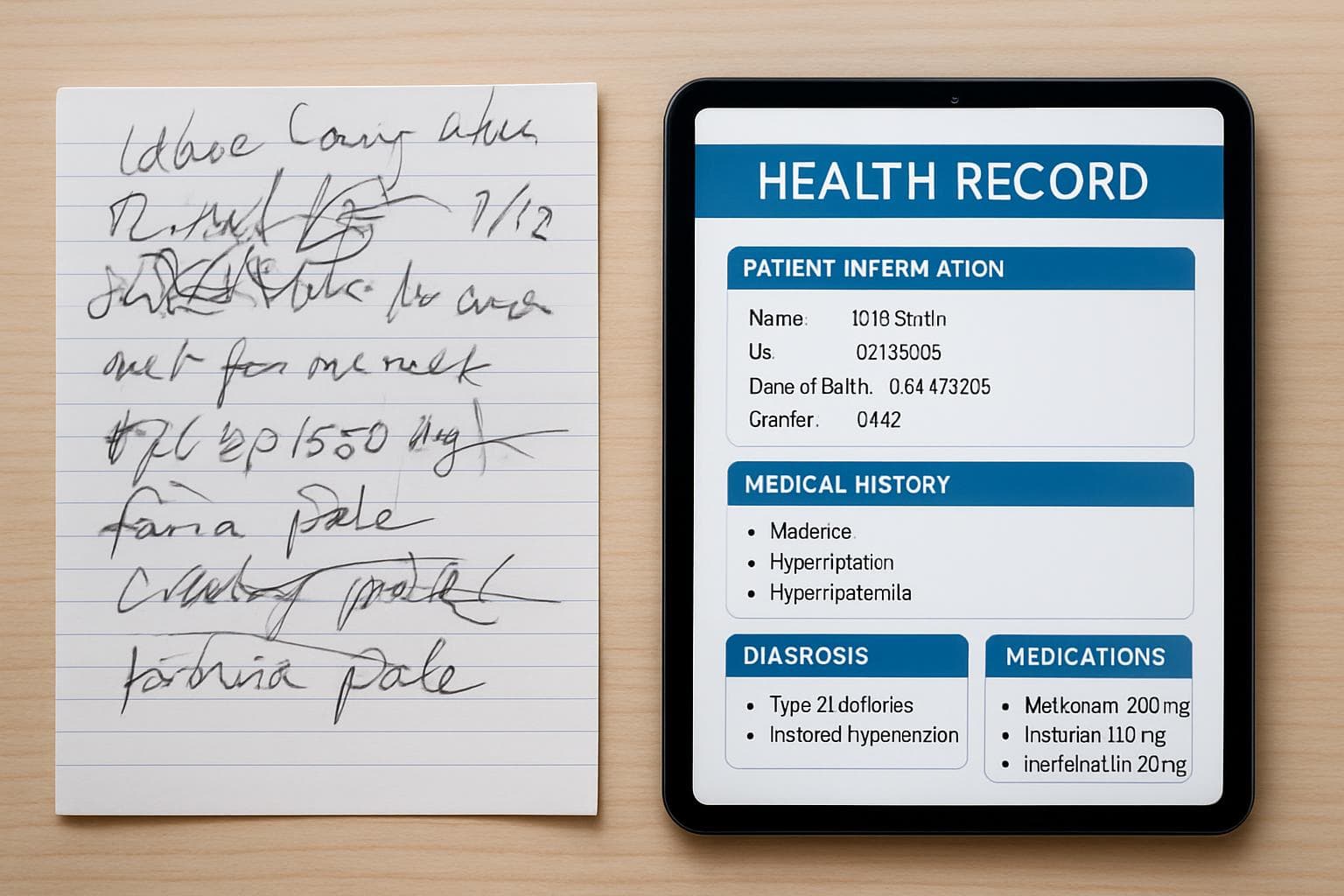
Medical Transcription and Digital Health Records: The End of Bad Handwriting
How digital health records and medical transcription are replacing handwritten notes in Australian medical practices. Benefits and implementation guide.
 🏥 Medical IT
Genie Solutions Troubleshooting: Common Issues and How to Fix Them
Fix common Genie Solutions problems including PDF freezing, slow performance, and system crashes. Expert troubleshooting tips for medical practices.
 🔒 Cybersecurity
USB Drive Attacks: Why You Should Never Plug In Unknown Devices
Protect your business from USB drive attacks. Learn why unknown USB devices are dangerous and how to implement safe removable media policies.
 📰 News
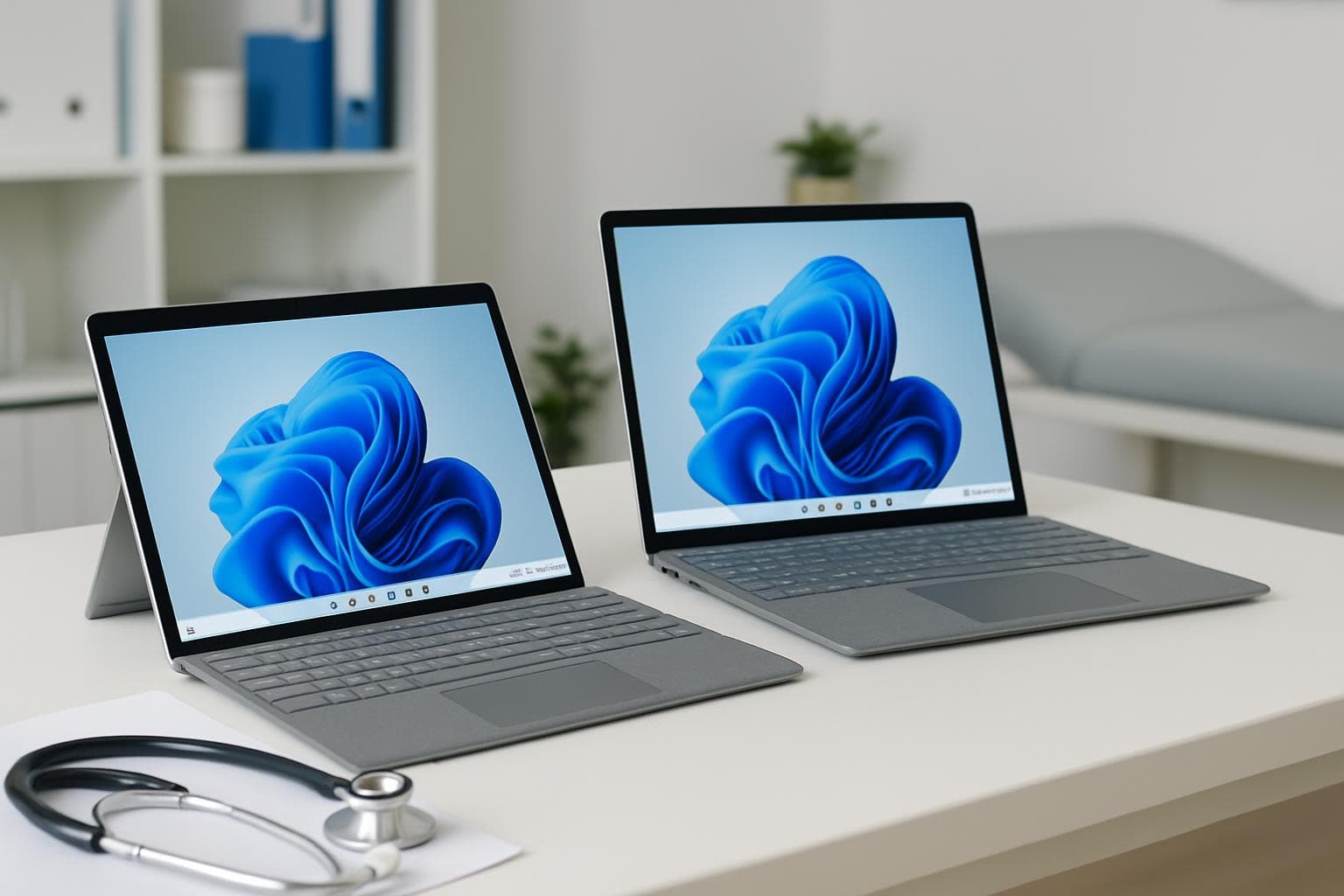
Microsoft Surface for Business: Choosing the Right Device in 2026
Guide to choosing Microsoft Surface devices for business use in 2026. Surface Pro, Laptop, and Go compared for medical practices and offices.
 📰 News
Windows Licensing for Business: What You Need to Know
Understanding Windows licensing for business. Pro vs Home, volume licensing, Microsoft 365, and what Perth businesses should choose for their needs.
 🔒 Cybersecurity
Ransomware Alert: How to Protect Your Business from Email-Based Attacks
Protect your business from ransomware delivered via email. Learn to identify malicious attachments and implement security measures for your company.
 🔒 Cybersecurity
Managed Backup Solutions for Perth Businesses: Why DIY Isn't Enough
Discover why managed backup solutions outperform DIY approaches for Perth businesses. Professional data protection services vs self-managed backup systems.
 🔒 Cybersecurity
PayPal Scam Emails: How to Identify and Avoid Online Payment Fraud
How to spot fake PayPal emails and protect your business from payment fraud. Common scam tactics and what to do if you receive a suspicious email.
 💼 Business IT
Hybrid Cloud Backup and Disaster Recovery for Australian Businesses
Implement hybrid cloud backup and disaster recovery for your business. Comprehensive guide to protecting Australian business data with local and cloud solutions.
 💡 Tips & Guides
Browser Tips for Business: Getting the Most from Microsoft Edge and Chrome
Optimise Microsoft Edge and Chrome for business use. Configure search engines, security settings, and productivity features for Australian businesses.
 🔒 Cybersecurity
Ransomware Prevention: How to Protect Your Business from CryptoLocker and Modern Threats
Protect your business from CryptoLocker and modern ransomware threats. Essential prevention strategies for Australian businesses and medical practices.
 🔒 Cybersecurity
Understanding Ransomware: What Every Business Owner Needs to Know
Essential ransomware information for business owners. Learn how CryptoLocker and modern ransomware work, and why prevention is critical for survival.
 💡 Tips & Guides
Mobile Data Management for Business: Controlling Costs on Company Devices
Learn how to control mobile data costs for your business devices. Practical tips for managing company phones, tablets, and mobile plans effectively.
 📰 News
Upgrading to Windows 11: A Business Migration Guide
Complete guide to upgrading your business from Windows 10 to Windows 11. Hardware requirements, migration planning, and what Perth businesses need to know.
 💼 Business IT
Microsoft 365 for Business: Why It's Essential for Modern Workplaces
Why Microsoft 365 is essential for modern businesses. Cloud productivity, collaboration, security features and what Perth businesses need to know.
 📰 News
Microsoft Surface for Business: Hardware Tips and Troubleshooting
Common Microsoft Surface hardware issues and troubleshooting tips for business users. Firmware updates, overheating fixes, and performance optimisation.
Need IT Help?
Whether it's medical software, cybersecurity, or general IT — SkyComm is here to help Perth businesses.