Protect your business from CryptoLocker and modern ransomware threats. Essential prevention strategies for Australian businesses and medical practices.
# Ransomware Prevention: How to Protect Your Business from CryptoLocker and Modern Threats
CryptoLocker was one of the first major ransomware threats to demonstrate the devastating potential of file encryption attacks. While the original CryptoLocker has been disrupted, it spawned countless variants that continue threatening Australian businesses today. Understanding how to prevent these attacks is crucial for business survival in our digital economy.
Understanding CryptoLocker and Its Legacy
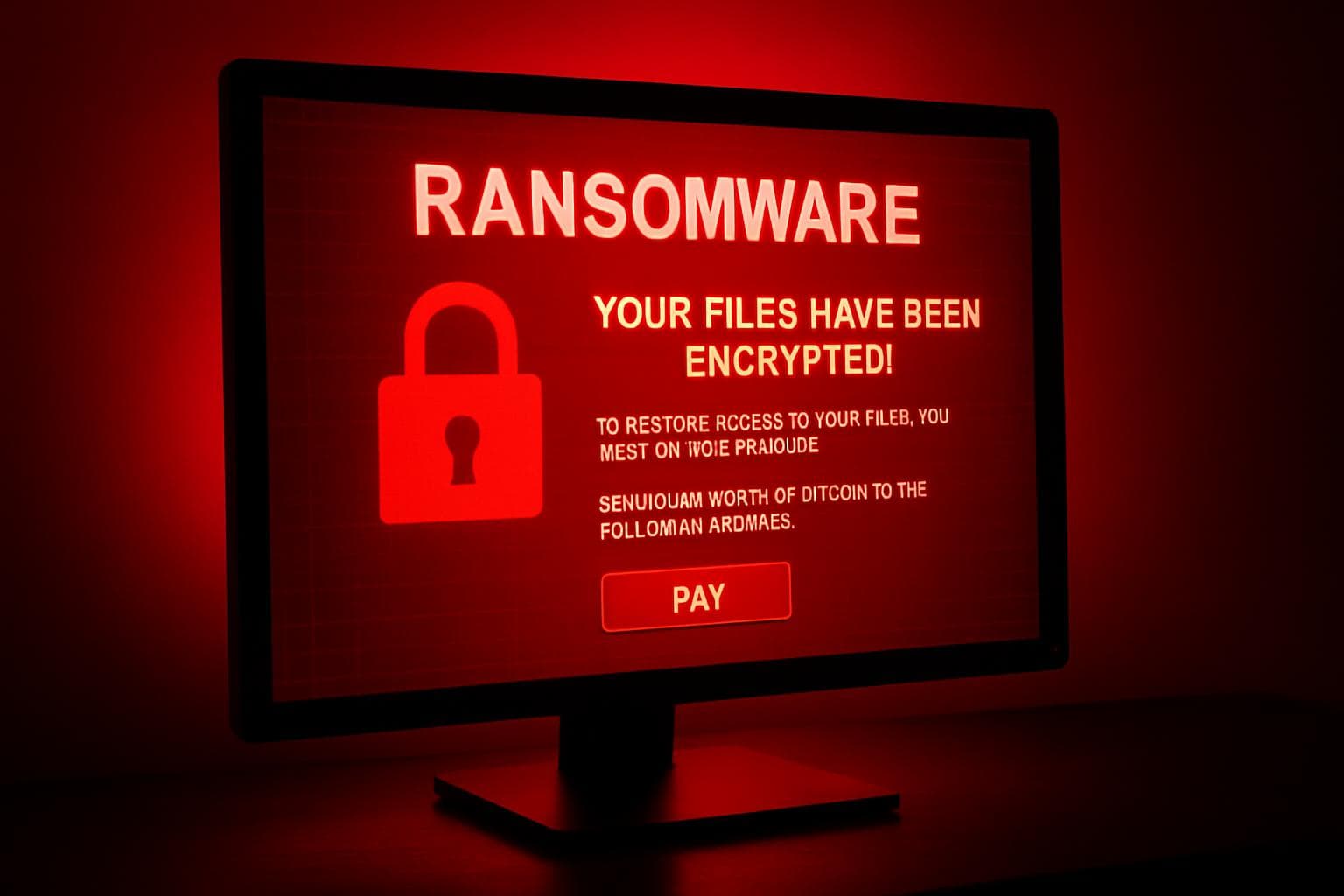
CryptoLocker emerged in 2013 as a game-changing threat that encrypted victims' files and demanded Bitcoin payments for decryption keys. Its success inspired hundreds of copycat ransomware families that continue evolving and spreading globally.
How CryptoLocker-Style Attacks Work
• Initial infection - Usually via email attachments or malicious websites
• System reconnaissance - Malware surveys available files and network connections
• Encryption process - Files are encrypted with strong cryptographic keys
• Ransom demand - Payment demanded for decryption key
• Time pressure - Threats to delete keys if payment not received
Modern Ransomware Evolution
Today's ransomware is more sophisticated than the original CryptoLocker:
• Network propagation - Spreads automatically across business networks
• Anti-analysis features - Evades detection by security software
• Targeted attacks - Researches victims to maximise ransom demands
• Double extortion - Steals data before encryption for additional leverage
• Cloud targeting - Attacks backup systems and cloud storage
Primary Infection Vectors
Email-Based Attacks
Most ransomware arrives via email, disguised as legitimate business communications:
• Fake invoices - Appear to be from suppliers or service providers
• Shipping notifications - Claim delivery problems requiring attention
• Tax documents - Exploit seasonal filing requirements
• Legal notices - Create urgency through threatened legal action
• Job applications - Target HR departments with resume attachments
Web-Based Infections
Malicious websites and compromised legitimate sites spread ransomware:
• Drive-by downloads - Automatic infection when visiting compromised sites
• Malicious advertisements - Infected ads on otherwise legitimate websites
• Software downloads - Fake software updates containing ransomware
• Exploit kits - Automated tools that exploit browser vulnerabilities
Network-Based Propagation
Modern ransomware spreads through business networks:
• Lateral movement - Infection spreads from initial victim to other systems
• Credential harvesting - Steals passwords to access additional systems
• Network shares - Encrypts files on shared drives and servers
• Remote access exploitation - Attacks VPN and remote desktop connections
Prevention Strategies
Email Security Measures
Implement multiple layers of email protection:
• Advanced threat protection - Sandbox suspicious attachments
• URL filtering - Block access to known malicious websites
• Sender authentication - Verify email sources using SPF, DKIM, and DMARC
• User education - Train staff to identify suspicious emails
• Attachment restrictions - Block dangerous file types automatically
Endpoint Protection
Protect individual devices from ransomware:
• Next-generation antivirus - Behaviour-based detection of suspicious activity
• Application whitelisting - Only allow approved software to run
• Macro protection - Disable macros in Office documents by default
• Browser security - Keep web browsers updated and configured securely
• USB controls - Restrict removable media to prevent infection
Network Security
Design networks to contain ransomware spread:
• Network segmentation - Isolate critical systems from general user networks
• Firewall configuration - Block unnecessary outbound connections
• Access controls - Limit user permissions to only necessary resources
• Monitoring systems - Detect unusual file activity and network behaviour
• Patch management - Keep all systems updated with latest security patches
Backup and Recovery Planning
Comprehensive Backup Strategy
Implement the 3-2-1 backup rule:
• Three copies of critical data (original plus two backups)
• Two different storage types (local and cloud storage)
• One offsite backup - Protected from local disasters and network attacks
Backup Best Practices
• Immutable backups - Use storage that ransomware cannot modify
• Air-gapped storage - Maintain backups disconnected from networks
• Regular testing - Verify backup integrity and restoration procedures
• Version retention - Keep multiple backup versions available
• Automated scheduling - Ensure backups run consistently without human intervention
Staff Training and Awareness
Security Education Programs
Regular training is essential for ransomware prevention:
• Phishing identification - Teach recognition of suspicious emails
• Safe browsing practices - Educate about web-based threats
• Incident reporting - Encourage immediate reporting of suspicious activity
• Password security - Promote strong, unique passwords for all accounts
• Social engineering awareness - Understanding manipulation tactics
Creating Security Culture
• Management leadership - Executives must model secure behaviour
• Regular updates - Keep staff informed about emerging threats
• Positive reinforcement - Reward good security practices
• No-blame reporting - Focus on learning rather than punishment
• Ongoing education - Security awareness is not a one-time event
Industry-Specific Considerations
Medical Practices
Healthcare providers face unique ransomware risks:
• Patient data criticality - Encrypted records can impact patient care
• Medical device security - Connected equipment creates attack vectors
• HIPAA compliance - Privacy regulations affect incident response
• Practice management systems - Critical for daily operations
• Appointment scheduling - Patient disruption from system downtime
Legal Practices
Law firms have specific protection needs:
• Client confidentiality - Document encryption threatens privileged communications
• Court deadlines - System downtime can impact legal proceedings
• Trust account access - Financial system security is critical
• Document management - Large archives are attractive ransomware targets
• Communication systems - Email and phone systems need protection
Professional Services
Accounting and consulting firms face particular challenges:
• Seasonal vulnerabilities - Tax season increases attack frequency
• Client data protection - Financial information requires special security
• Multiple client systems - Complex environments need comprehensive protection
• Remote access security - Staff working from multiple locations
Response and Recovery
Immediate Response to Ransomware
If ransomware is suspected:
1. Isolate infected systems - Disconnect from network immediately
2. Assess the damage - Determine scope of encryption
3. Contact authorities - Report to Australian Cyber Security Centre
4. Engage IT support - Get professional help immediately
5. Implement recovery plan - Restore from clean backups
Decision Making
Never pay ransoms:
• No guarantee - Payment doesn't ensure data recovery
• Funding criminals - Payments support continued criminal activity
• Legal risks - Some jurisdictions prohibit ransom payments
• Repeat targeting - Paying marks your organisation as vulnerable
• Recovery alternatives - Professional recovery often possible without payment
Advanced Protection Technologies
Next-Generation Security
Modern threats require advanced protection:
• AI-powered detection - Machine learning identifies new ransomware variants
• Behaviour analysis - Monitor for suspicious file activity patterns
• Deception technologies - Honeypot files alert to ransomware activity
• Zero-trust architecture - Verify every connection and transaction
• Cloud security - Protect remote workers and cloud-based assets
Managed Security Services
• 24/7 monitoring - Professional oversight of security systems
• Threat intelligence - Access to latest ransomware intelligence
• Incident response - Rapid response to security events
• Security updates - Managed patching and configuration
• Expert analysis - Professional interpretation of security alerts
💡
Key Takeaway: Preventing ransomware requires a comprehensive approach combining technology, processes, and people. While the threat landscape continues evolving, businesses that implement layered security measures, maintain current backups, and educate their staff can significantly reduce their risk of successful attacks.
Professional Ransomware Protection
Protecting your business from CryptoLocker-style ransomware and modern threats requires expertise in cybersecurity technology and threat intelligence. SkyComm provides comprehensive ransomware protection services for Perth businesses, including medical practices, legal firms, and professional services.
Our multi-layered approach includes advanced email security, endpoint protection, network monitoring, backup solutions, and staff training programs. We understand the unique challenges facing Australian businesses and provide 24/7 support when you need it most.
Don't wait until ransomware strikes your business. Contact SkyComm on 1800 957 977 to implement comprehensive protection measures that will keep your organisation safe from CryptoLocker and other ransomware threats. Prevention is always less expensive than recovery.
SkyComm IT Solutions
Perth's leading medical and business IT support provider. Trusted by healthcare practices, law firms, and businesses across Western Australia for over 20 years.